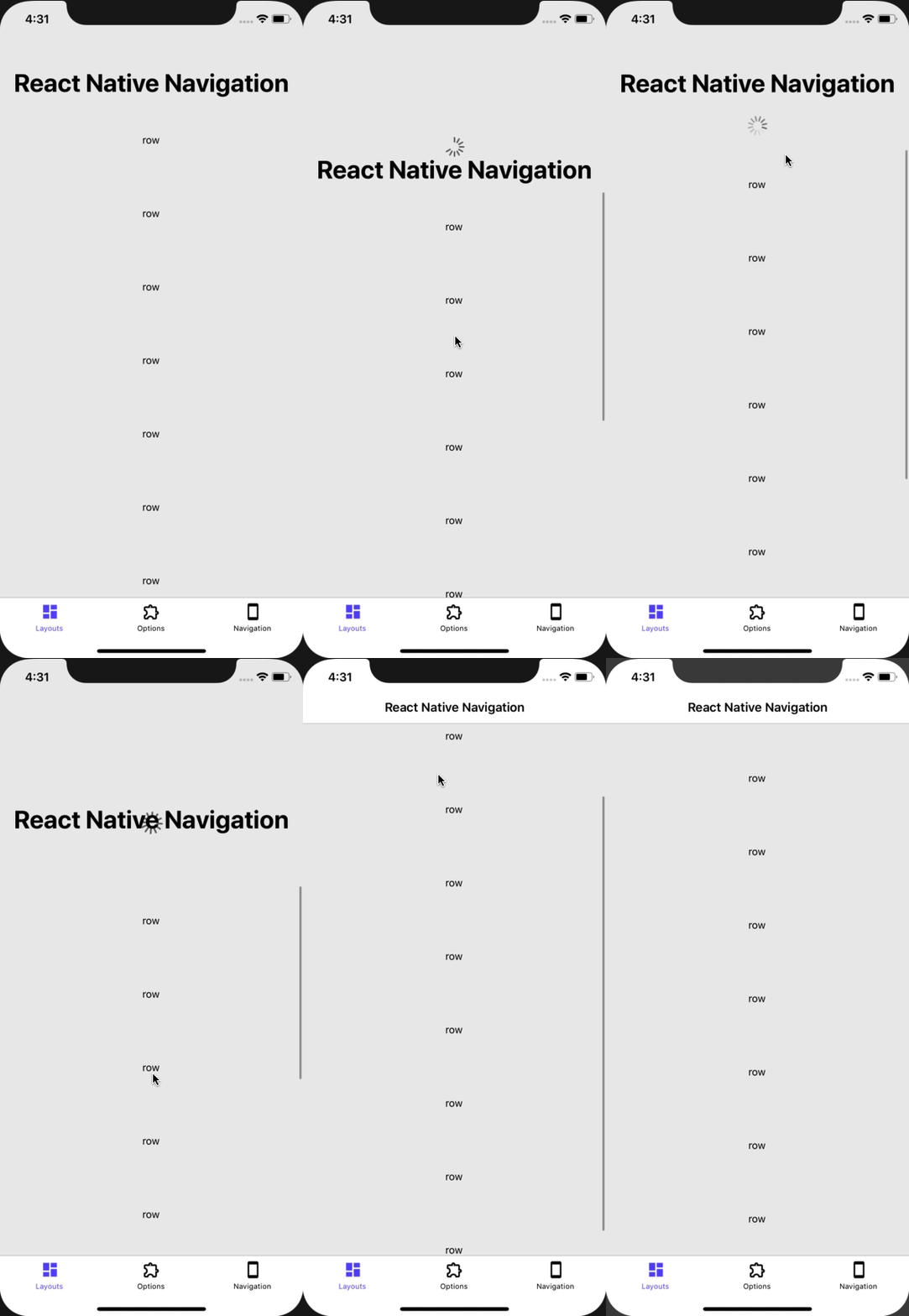
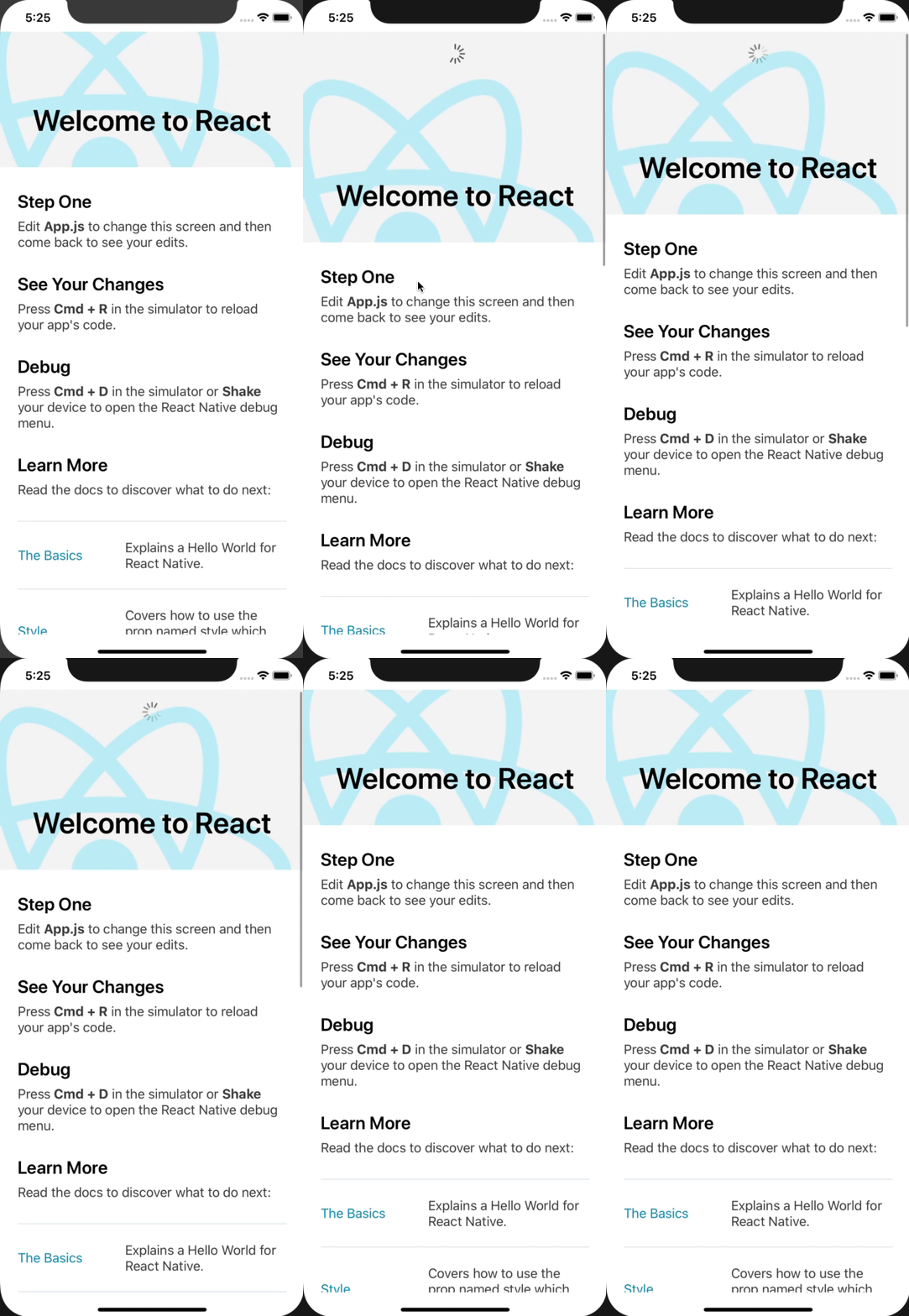
Summary:
This function is unused. (Followup to D21941946)

Changelog: [iOS] Deprecate calculateChildFrames from RCTScrollView

Reviewed By: sammy-SC

Differential Revision: D22071415

fbshipit-source-id: 0c996ab02df1431ee9cfa082bc99681a2ec7118c
Summary:
Fixes some comment typos, moves hit testing and accessibility code so it's beside each other.

No functionality changes.

Changelog:[Internal]

Reviewed By: RSNara

Differential Revision: D22003047

fbshipit-source-id: 0e785364d7e1a080034d24c9676a56acb45686bb
Summary:
Changelog:
[iOS][Removed] - Removed DEPRECATED_sendUpdatedChildFrames prop to ScrollView component because there are no callsites of it anymore

Reviewed By: shergin

Differential Revision: D21941946

fbshipit-source-id: 0b7d6d0986ddff4b250e70e0450a6f7e166b41f4
Summary:
This adds a `minimumSize` property to RCTRootView, and forwards any changes to it's shadow view. This **does not** change any default behaviour, as the default minimum size is `CGSizeZero` before & after this diff.

Changelog: [iOS][Internal] Add minimumSize to RCTRootView & RCTRootShadowView

Reviewed By: RSNara

Differential Revision: D20905456

fbshipit-source-id: a03f880e782891f60ef86b9c898965e05a5e796e
Summary:
This Pull Request implements the PlatformColor proposal discussed at https://github.com/react-native-community/discussions-and-proposals/issues/126.   The changes include implementations for iOS and Android as well as a PlatformColorExample page in RNTester.

Every native platform has the concept of system defined colors. Instead of specifying a concrete color value the app developer can choose a system color that varies in appearance depending on a system theme settings such Light or Dark mode, accessibility settings such as a High Contrast mode, and even its context within the app such as the traits of a containing view or window.

The proposal is to add true platform color support to react-native by extending the Flow type `ColorValue` with platform specific color type information for each platform and to provide a convenience function, `PlatformColor()`, for instantiating platform specific ColorValue objects.

`PlatformColor(name [, name ...])` where `name` is a system color name on a given platform.  If `name` does not resolve to a color for any reason, the next `name` in the argument list will be resolved and so on.   If none of the names resolve, a RedBox error occurs.  This allows a latest platform color to be used, but if running on an older platform it will fallback to a previous version.
 The function returns a `ColorValue`.

On iOS the values of `name` is one of the iOS [UI Element](https://developer.apple.com/documentation/uikit/uicolor/ui_element_colors) or [Standard Color](https://developer.apple.com/documentation/uikit/uicolor/standard_colors) names such as `labelColor` or `systemFillColor`.

On Android the `name` values are the same [app resource](https://developer.android.com/guide/topics/resources/providing-resources) path strings that can be expressed in XML:
XML Resource:
`@ [<package_name>:]<resource_type>/<resource_name>`
Style reference from current theme:
`?[<package_name>:][<resource_type>/]<resource_name>`
For example:
- `?android:colorError`
- `?android:attr/colorError`
- `?attr/colorPrimary`
- `?colorPrimaryDark`
- `android:color/holo_purple`
- `color/catalyst_redbox_background`

On iOS another type of system dynamic color can be created using the `IOSDynamicColor({dark: <color>, light:<color>})` method.   The arguments are a tuple containing custom colors for light and dark themes. Such dynamic colors are useful for branding colors or other app specific colors that still respond automatically to system setting changes.

Example: `<View style={{ backgroundColor: IOSDynamicColor({light: 'black', dark: 'white'}) }}/>`

Other platforms could create platform specific functions similar to `IOSDynamicColor` per the needs of those platforms.   For example, macOS has a similar dynamic color type that could be implemented via a `MacDynamicColor`.   On Windows custom brushes that tint or otherwise modify a system brush could be created using a platform specific method.

## Changelog

[General] [Added] - Added PlatformColor implementations for iOS and Android
Pull Request resolved: https://github.com/facebook/react-native/pull/27908

Test Plan:
The changes have been tested using the RNTester test app for iOS and Android.   On iOS a set of XCTestCase's were added to the Unit Tests.

<img width="924" alt="PlatformColor-ios-android" src="https://user-images.githubusercontent.com/30053638/73472497-ff183a80-433f-11ea-90d8-2b04338bbe79.png">

In addition `PlatformColor` support has been added to other out-of-tree platforms such as macOS and Windows has been implemented using these changes:

react-native for macOS branch: https://github.com/microsoft/react-native/compare/master...tom-un:tomun/platformcolors

react-native for Windows branch: https://github.com/microsoft/react-native-windows/compare/master...tom-un:tomun/platformcolors

iOS
|Light|Dark|
|{F229354502}|{F229354515}|

Android
|Light|Dark|
|{F230114392}|{F230114490}|

{F230122700}

Reviewed By: hramos

Differential Revision: D19837753

Pulled By: TheSavior

fbshipit-source-id: 82ca70d40802f3b24591bfd4b94b61f3c38ba829
Summary:
`nativeId` type is `NSString`, not `NSNumber`. The `.h` file already has the proper type but `.mm` had a wrong one.

Changelog: [Internal]

Reviewed By: sammy-SC

Differential Revision: D20135465

fbshipit-source-id: e5f9fbf4940d3883334c910f96f0aa850a069d8c
Summary:
The accessibility roles and states description strings are not able to be localized on iOS platform. Those strings are exposed to the end users so it should be localized. This PR is to add localized strings as a resource bundle to the React Core Pod so that any React Native app integrating the React Native dependencies using CocoaPods can get the localized accessibility roles and states description.

## Changelog

[iOS] [Added] - Add localized accessibility strings to React Core pod
Pull Request resolved: https://github.com/facebook/react-native/pull/27995

Test Plan: Verified with RNTester app.

Differential Revision: D19975587

Pulled By: PeteTheHeat

fbshipit-source-id: f8eb4e25194f0cd603c98a6221ec87503a2826ed
Summary:
Starting on iOS 13, a View Controller presented modally will have a "bottom sheet" style unless it's explicitly presented full screen.
Before this, modals on iOS were only being dismissed programatically by setting `visible={false}`. However, now that the dismissal can happen on the OS side, we need a callback to be able to update the state.
This PR reuses the `onRequestClose` prop already available for tvOS and Android, and makes it work on iOS for this use case.
Should fix https://github.com/facebook/react-native/issues/26892
## Changelog
[iOS] [Added] - Add support for onRequestClose prop to Modal on iOS 13+
Pull Request resolved: https://github.com/facebook/react-native/pull/27618
Test Plan:
I tested this using the RNTester app with the Modal example:
1. Select any presentation style other than the full screen ones
2. Tap Present and the modal is presented
3. Swipe down on the presented modal until dismissed
4. Tap Present again and a second modal should be presented

Differential Revision: D19235758
Pulled By: shergin
fbshipit-source-id: c0f1d946c77ce8d1baab209eaef7eb64697851df
Summary:
That should help with debugging SafeAreaView-related issues (esp. to see the info inside view hierarchy recursive description).

Changelog: [Internal]

Reviewed By: JoshuaGross

Differential Revision: D19539216

fbshipit-source-id: 1bee481c2766ad2d130e435582876d9f5ed27b3c
Summary:
Adds Keyframes to interop whitelist of supported components.
In `RCTKeyframesManager.m` we look into subviews in order to find `RCTKeyframesView`, this is because the view returned from paper's `UIManager` is interop itself.

Changelog: [Internal]

Reviewed By: shergin

Differential Revision: D19309355

fbshipit-source-id: f9b598ee6ad5340a4e4b3914330c70eea9f43926
Summary:
React Native ScrollViews are flipped upside down when the prop inverted is set to true. This is the root of a bug: tapping on the status bar in iOS should scroll the Flatlist up to the top but currently it does to the bottom.
The solution proposed is to detect natively if the ScrollView is inverted, on such case, prevent it from scrolling it to the beginning of the ScrollView (as a non-inverted ScrollView would do) and force a scroll to the end of it.
I've been careful enough not to force the scroll if the user explicitly selected not to do it or if it's happening in a nested ScrollView, as it is the default behaviour in iOS.
Fixes https://github.com/facebook/react-native/issues/21126
## Changelog
[iOS] [Fixed] - Inverted ScrollViews scroll to their bottom when the status bar is pressed
Pull Request resolved: https://github.com/facebook/react-native/pull/27574
Test Plan:
- on iOS, add a ScrollView and put enough content to overflow the screen size so it can be scrolled
- add the prop `inverted={true}` to the ScrollView
- go to the screen the Scrollview is in and press the status bar
- it should scroll to top (previously it scrolled to the bottom)

Differential Revision: D19185270
Pulled By: hramos
fbshipit-source-id: 5445093ff38f4ba4082f1d883d8ed087e9565eaf
Summary:
With a Picker we would like to allow accessibility labels to be passed as a prop for situations where we want go give more detail. For example if we have a number picker that will be used for a timer instead of just saying 3, we might want to say 3 hours.

## Changelog
[General] [Added] - Picker test with an accessibility label prop
[General] [Added] - Support for accessibility Label prop to the Picker component
Pull Request resolved: https://github.com/facebook/react-native/pull/27342

Test Plan: Test plan is testing in RNTester making sure the examples work

Differential Revision: D18770184

Pulled By: hramos

fbshipit-source-id: e6f8ab4a9c50f3fb46342198441ecc71394913d3
Summary:
It closes https://github.com/facebook/react-native/issues/24855
In the endRefreshProgrammatically of RCTRefreshControl.m there is calculation for content offset when spinner is shown CGPoint offset = {scrollView.contentOffset.x, scrollView.contentOffset.y - self.frame.size.height};
However self.frame.size.height is always 0 and therefore spinner is not visible
This change should fix that

Since the owner of the following PR is quite busy and won't be able to resolve the merge conflict anytime soon, I created this PR here to get the fix merged soon.
Ref: https://github.com/facebook/react-native/pull/27236
Thanks to [IgnorancePulls](https://github.com/IgnorancePulls)

## Changelog

[iOS] [Fixed] - Fix spinner visibility on beginRefreshingProgrammatically
Pull Request resolved: https://github.com/facebook/react-native/pull/27397

Test Plan:
IOS tests passed
Check whether this issue is reproduced or not for the repro which is described inside the issue.
https://github.com/facebook/react-native/issues/24855

Reviewed By: sammy-SC

Differential Revision: D18801307

Pulled By: hramos

fbshipit-source-id: d12af236778441a136dbe6b03dfd3495a465ae0f
Summary:
Changelog: [Internal]

Introduce native command `setNativeRefreshing`, it has the word Native in order to avoid name conflict with setRefreshing in Android implementation. Even this component is iOS only, it would make it easier to merge them in the future.

Introduce `RCTRefreshableProtocol` and make `RCTRefreshControl` and `RCTPullToRefreshViewComponentView` to conform to the protocol so view manager can forward command to both, Paper and Fabric component.

Reviewed By: mmmulani

Differential Revision: D18475804

fbshipit-source-id: 4c19225784efc931b7b8f2d2671cc839bce429bf
Summary:
Changelog: [Internal]

In paper implementation:
`accessibilityActivate` returns NO in case `onAccessibilityTap` is nil.

In Fabric we have no option to detect whether `onAccessibilityTap` is nil or isn't but we don't want to prevent VoiceOver from tapping an element. This could potentially trigger action associated with element twice.

Let's say you have `onPress` and `onAccessibilityTap`, it will trigger both if you trigger action through VoiceOver.

Reviewed By: shergin

Differential Revision: D18572432

fbshipit-source-id: c5ac002317c798a10045b6f05738299d0ae27456
Summary:
Changelog: [Internal]

The main use-case here is to get the rootTag off RCTImageView, for image loading instrumentation. The fact is, each RCTView subclass already has `reactTag` attached today. We already have the `rootTag` when the view is created by the UIManager, so why not just attach it like reactTag? If we don't, looking up the rootTag from the native component is non-trivial and extremely inefficient (have to jump to shadow queue, back to main queue, etc).

Reviewed By: sammy-SC

Differential Revision: D18497002

fbshipit-source-id: 8409e3a1c95e09accedd959592cbf178fab0b2c3
Summary:
With tvOS (Apple TV) now residing in a separately maintained fork, this removes the residual props from React Native. This only includes the JavaScript changes. The Objective-C changes will come later.

Specifically, the following props have been removed:

- `isTVSelectable`
- `tvParallaxProperties`
- `tvParallaxShiftDistanceX`
- `tvParallaxShiftDistanceY`
- `tvParallaxTiltAngle`
- `tvParallaxMagnification`

Note that `hasTVPreferredFocus` is still being used by Android TV, so it remains.

Changelog:
[Removed] Apple TV View Props

Reviewed By: TheSavior

Differential Revision: D18266278

fbshipit-source-id: 9d1448bf2f434a74e6eb23c70d3a37971e406768
Summary:
Use `reactTag` instead of address of `UIView` to map events from paper components to Fabric.

changelog: [internal]

Reviewed By: shergin

Differential Revision: D17954974

fbshipit-source-id: 0d8bf748e58f4cb6769e107bc7fd0e66b93d8f12
Summary:
Searching for the ancestor view while measuring a shadow view layout relative to the ancestor is limited to `30`. I couldn't find the reason nor commit where it was introduced (because I have no access to internal facebook commits).
I think we should keep looking for an ancestor view until the shadow view has the superview property.

## Changelog

[iOS] [Fixed] - Remove maximum searching depth while measuring layout.
Pull Request resolved: https://github.com/facebook/react-native/pull/26986

Test Plan:
- Tested if RNTester works as expected.
- Tested in app with a lot of nested flatlists where sometimes I was facing this redbox because of the max depth limit.
<img width="297" alt="Screenshot 2019-10-24 at 14 40 11" src="https://user-images.githubusercontent.com/16336501/67486474-6309d380-f66c-11e9-9eab-15e8fb8372a5.png">

Differential Revision: D18175568

Pulled By: shergin

fbshipit-source-id: cd59a18032d10bc6dd5707981e69813810f65b5a
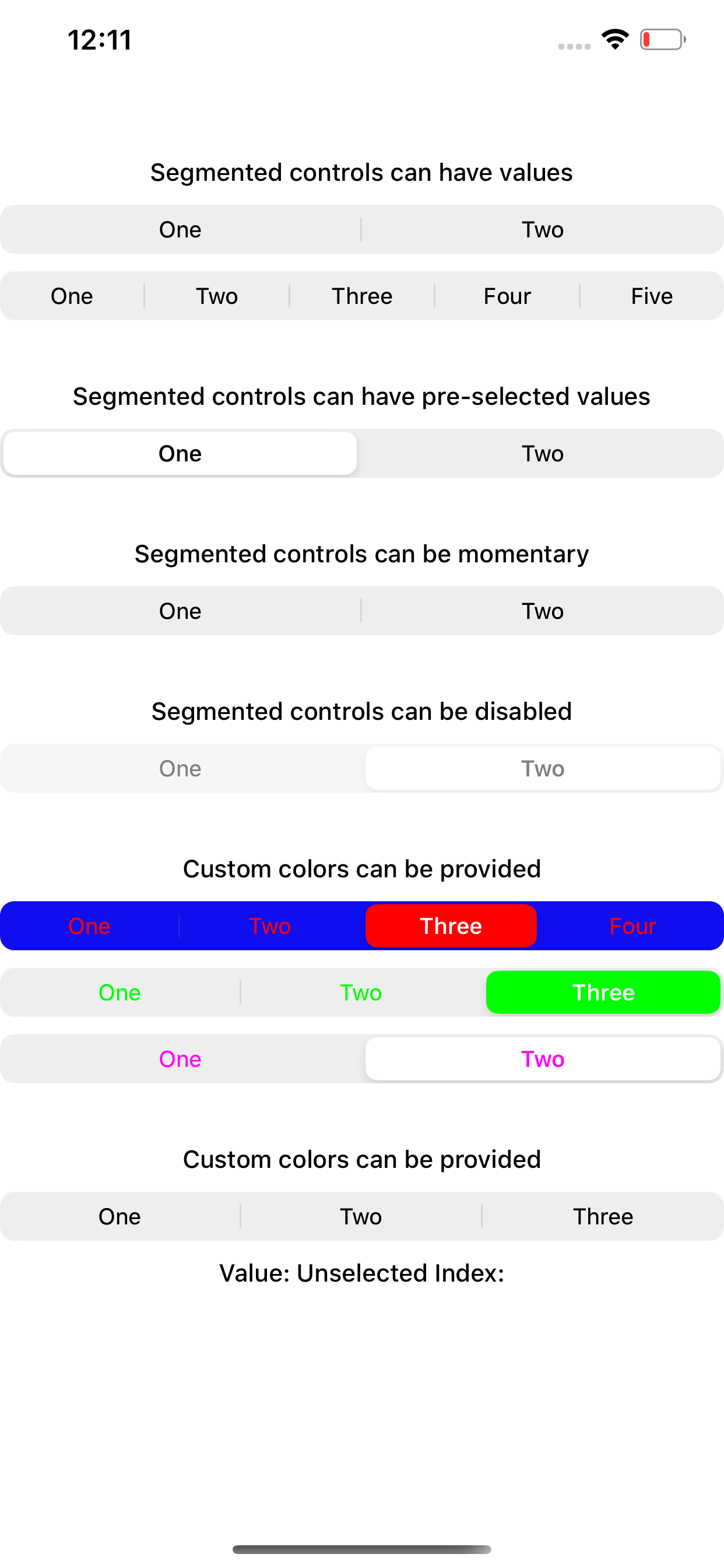
Summary:
iOS 13 introduced a new design for `UISegmentedControl` and new APIs to control this. `[UISegmentedControl tintColor]` is now ignored.

We try to maintain backwards compatibility so the appearance is as close as possible to iOS 12.

Changelog:
Fix `tintColor` on SegmentedControlIOS

Reviewed By: shergin

Differential Revision: D17905892

fbshipit-source-id: 964ac64c8543660929c43b427dce4f78094b1255
Summary:
The component RCTRefreshControl was renamed to PullToRefreshView (for Paper). Now only old Objective-C class names have the old name, which is okay.

Changelog: [Internal] [Changed] - The internal name of PullToRefresh component was changed from `RCTRefreshControl` to `PullToRefreshView` (No public API changes)

Reviewed By: rickhanlonii

Differential Revision: D17456225

fbshipit-source-id: a8db99ddd507377d8c98b26707a3b9fae483d20c
Summary:
Currently the react native framework doesn't handle the accessibility state changes of the focused item that happen not upon double tapping. Screen reader doesn't get notified when the state of the focused item changes in the background.
To fix this problem, post a layout change notification for every state changes on iOS.
On Android, send a click event whenever state "checked", "selected" or "disabled" changes. In the case that such states changes upon user's clicking, the duplicated click event will be skipped by Talkback.

## Changelog:
[General][Fixed] - Announce accessibility state changes happening in the background
Pull Request resolved: https://github.com/facebook/react-native/pull/26624

Test Plan: Add a nested checkbox example which state changes after a delay in the AccessibilityExample.

Differential Revision: D17903205

Pulled By: cpojer

fbshipit-source-id: 9245ee0b79936cf11b408b52d45c59ba3415b9f9
Summary: Move RCTScrollEvent into separate file and export its header.

Reviewed By: shergin

Differential Revision: D17831709

fbshipit-source-id: f4ee4e09147ef5703b85a10238ddb6cdefdf05a5
Summary:
LegacyViewManagerInterop layer can now handle events as well.

We expose `eventInterceptor` from `NSComponentData`, that way we can hook into event dispatching that happens within `NSComponentData`.

Coordinator has a map of `UIView -> reactTag` which it uses to figure out to which component view to forward the event.

New `LegacyViewManagerInteropViewEventEmitter` exposes APIs to send `folly::dynamic` to javascript.

Reviewed By: shergin

Differential Revision: D17765834

fbshipit-source-id: 25e75e445b32c69ec9ab0189c4ab7fba5f8c7b5d
Summary:
@public
This will provide a more useful error message and hopefully allow us to debug the issue further.

Reviewed By: JoshuaGross

Differential Revision: D17793693

fbshipit-source-id: 848ae658200ea5e3892d8a88888599c1c248c994
Summary: We are moving away from setNativeProps, this adds necessary method on native to leverage commands API

Reviewed By: shergin

Differential Revision: D17787877

fbshipit-source-id: 8f06cdd85c96bce4ea9bb7a8cd5f6c1a1d68b20a
Summary:
This is required so we can switch to using commands instead of `setNativeProps`.
`setNativeProps` are not supported in Fabric, we are moving away from it.

Reviewed By: JoshuaGross

Differential Revision: D17764967

fbshipit-source-id: 16e54ebe1f0c58b80a6491db970a60c01fec8a15
Summary:
When sliders are adjusted via accessibility, no onSlidingComplete callback is
generated. This causes problems for components which perform behavior in this
callback, and means that such components don't behave properly when adjusted via
accessibility. For example, if an app hosting a volume control slider only commits the volume change to the hardware on onSlidingComplete, it is impossible for a screen reader user to ever actually adjust the volume.

Ensure that sliders call the onSlidingComplete callback after adjusted via
accessibility.

## Changelog

[General] [Fix] - Add onSlidingComplete callbacks when sliders adjusted via a11y.

[CATEGORY] [TYPE] - Message
Pull Request resolved: https://github.com/facebook/react-native/pull/26600

Test Plan: Prior to this change, using the RNTester slider example with a screen reader, the onSlidingComplete callback tests never shows any callbacks when the slider is adjusted. With this change applied, the callback test will show a number of callbacks corresponding to the number of times the slider was adjusted via the screen reader.

Differential Revision: D17661157

Pulled By: cpojer

fbshipit-source-id: a6eedef099c6c1b571b290c329059ac9b69b53dd
Summary:
React Native components need a mechanism to specify their value to assistive technologies. This PR adds the notion of accessibilityValueDescription-- a property which either contains a textual description of a component's value, or for range-based components, such as sliders and progress bars, it contains range information (minimum, current, and maximum).

On iOS, the range-based info if present is converted into a percentage and added to the accessibilityValue property of the UIView. If text is present as part of the accessibilityValueDescription, it is used instead of the range-based information.

On Android, any range-based information in accessibilityValueDescription is exposed in the AccessibilityNodeInfo's RangeInfo. Text which is part of accessibilityValueDescription is appended to the content description.

## Changelog

[GENERAL] [Change] - add accessibilityValuedescription property.
Pull Request resolved: https://github.com/facebook/react-native/pull/26169

Test Plan: Added two new accessibility examples to RNTester, one which uses text and another which uses range-based info in accessibilityValueDescription. Verified that they both behave correctly on both Android and iOS.

Differential Revision: D17444730

Pulled By: cpojer

fbshipit-source-id: 1fb3252a90f88f7cafe1cbf7db08c03f14cc2321
Summary:
We added the accessibilityState property as a more semantically rich way for components to describe information about their state to accessibility services. This PR removes the old accessibilityStates property.

 <!-- Explain the **motivation** for making this change. What existing problem does the pull request solve? -->

## Changelog

[General] [Change] - Remove accessibilityStates property.
Pull Request resolved: https://github.com/facebook/react-native/pull/26168

Test Plan: Ensure that RNTester accessibility examples function properly on both iOS and Android.

Differential Revision: D17152891

Pulled By: cpojer

fbshipit-source-id: d71d3cf0f2e0846979d2ba104b6c69e4e5725252
Summary:
The activityIndicatorViewStyle property overrides the previous set color
if it's changed. Depending on the property set order you may end in a state
that the color property will never be respected since it first sets
the color and then the activityIndicatorViewStyle property (which overrides
the color property). In order to prevent this problem
before setting the new activityIndicatorViewStyle save the old
color and override it after activityIndicatorViewStyle is set. Thus
always respecting the user's color.
## Changelog
[iOS] [Fixed] - Do not override ActivityIndicator color when setting its size
Pull Request resolved: https://github.com/facebook/react-native/pull/25849
Test Plan:
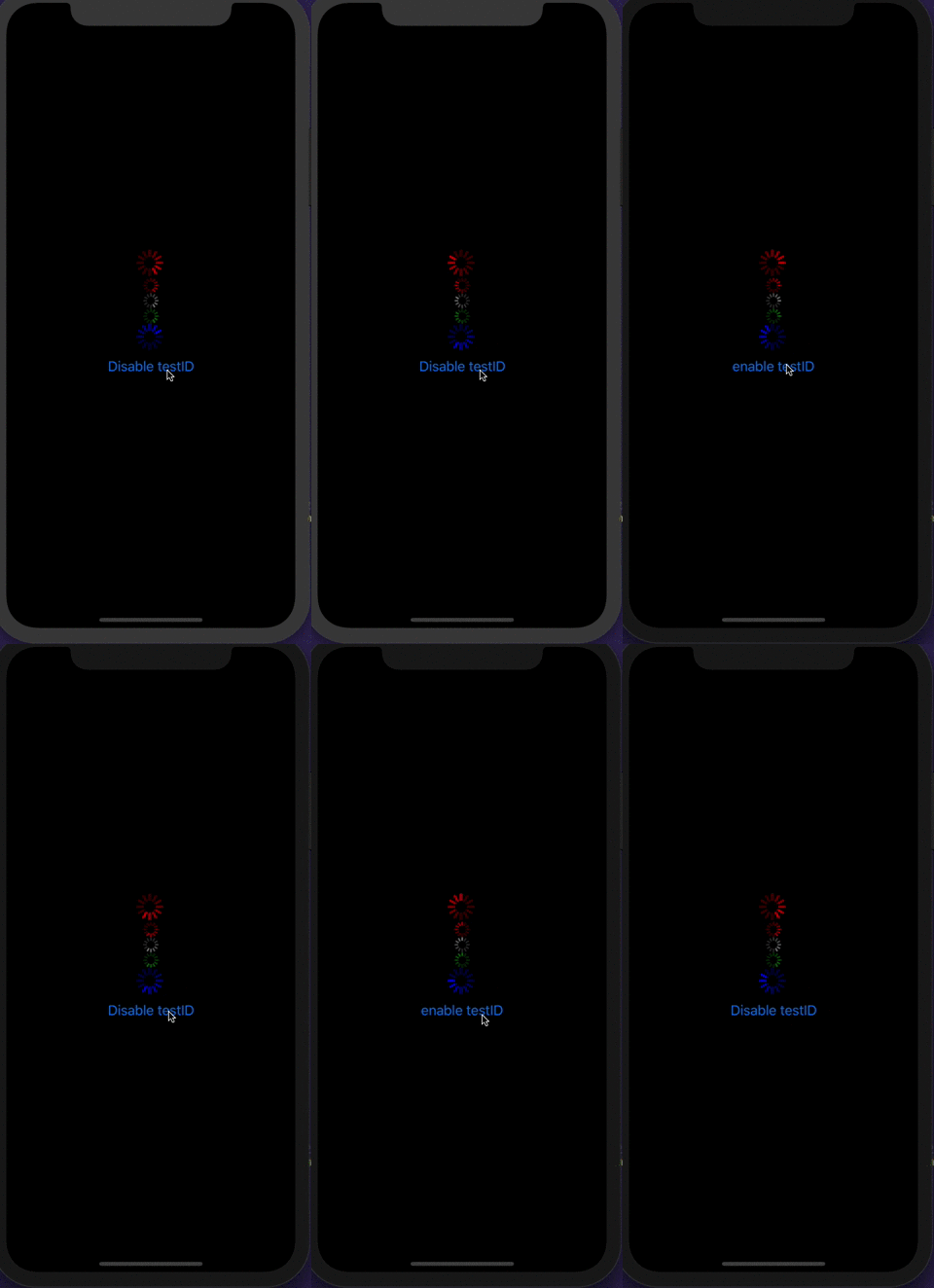
Using the code below on iOS notice that the last ActivityIndicator will always have its color set to white while te testID is provided
### Without the patch
Notice the white -> blue transition when disabling the testID

### With the patch
Color remains unchanged
```javascript
import React from "react";
import { View, StyleSheet, ActivityIndicator, Button } from "react-native";
const App = () => {
const [enableTestID, onSetEnableTestID] = React.useState(true);
const onPress = React.useCallback(() => {
onSetEnableTestID(!enableTestID);
}, [enableTestID]);
return (
<View style={styles.container}>
<ActivityIndicator size="large" color="red" />
<ActivityIndicator size="small" color="red" />
<ActivityIndicator size="small" />
<ActivityIndicator color="green" />
<ActivityIndicator
key={enableTestID.toString()}
size="large"
color="blue"
testID={enableTestID ? 'please work' : undefined}
/>
<Button
title={enableTestID ? 'Disable testID' : 'enable testID'}
onPress={onPress}
/>
</View>
);
};
export default App;
const styles = StyleSheet.create({
container: {
flex: 1,
alignItems: "center",
justifyContent: "center",
backgroundColor: "black"
},
});
```
Closes https://github.com/facebook/react-native/issues/25319
Reviewed By: cpojer
Differential Revision: D16559929
Pulled By: sammy-SC
fbshipit-source-id: ac6fd572b9f91ee5a2cbe46f8c46c1f46a1ba8b3
Summary:
# Disclaimer:
I might be missing something as the solution I implemented here seems like something that was considered by original author. If this solution isn't good, I have a plan B.

# Problem:
`onDismiss` prop isn't being called once the modal is dismissed, this diff fixes it.

Also I've noticed that `onDismiss` is meant to only work on iOS, why is that? By landing this diff, it'll be called on Android as well so we need to change the docs (https://facebook.github.io/react-native/docs/modal.html#ondismiss).

## Video that shows the problem
Following code is in playground.js P70222409 which just increments number everytime onDismiss is called

{F166303269}

Reviewed By: shergin

Differential Revision: D16109536

fbshipit-source-id: 3fba56f5671912387b217f03b613dffd89614c9d
 Peter Argany
 Jiayan Zhuang
 William Candillon
 Samuel Susla
 Valentin Shergin
 yogevbd
 Tom Underhill
 Saumya Mukul
 Sharon Gong
 Shu Lin
 Jorge Bernal
 Nikita Shanin
 Jesse Katsumata
 Emilio
 Kevin Gonzales
 Binh Nguyen
 Kevin Gozali
 Andres Suarez
 Tim Yung
 Dratwas
 Mehdi Mulani
 Marc Mulcahy
 Guilherme Iscaro