 Badarinath Venkatnarayansetty
StepperView




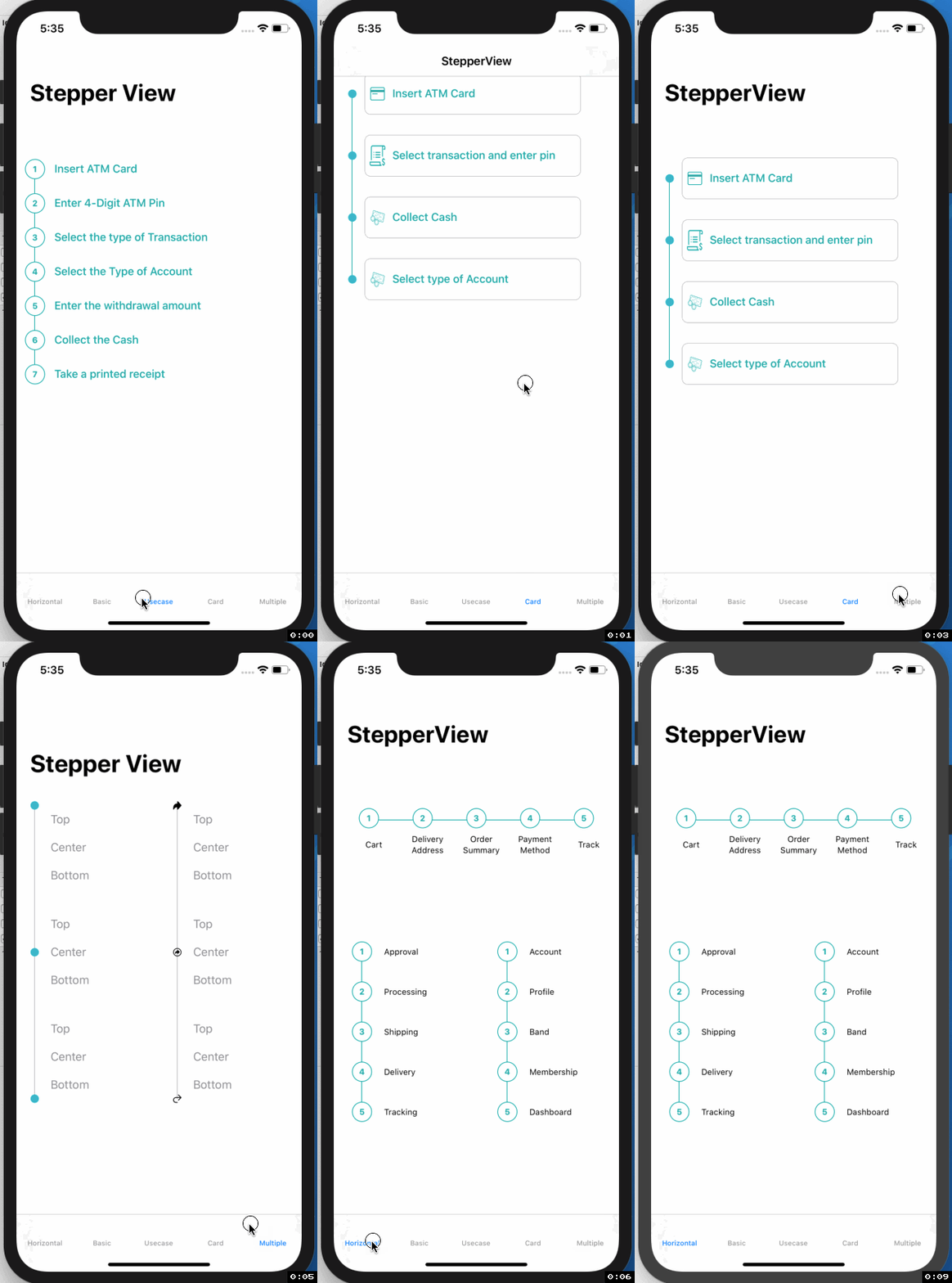
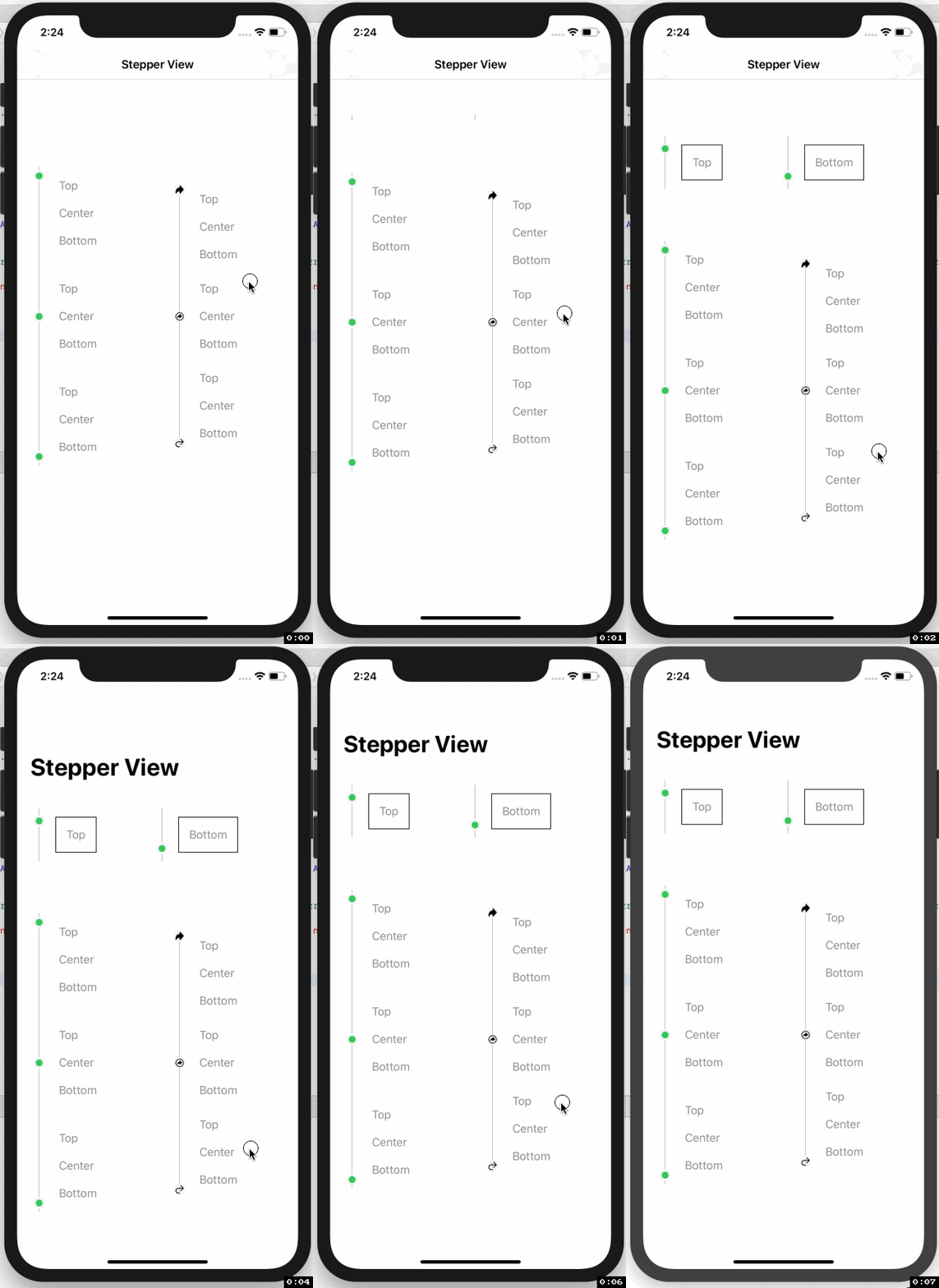
SwiftUI iOS component for Step Indications.
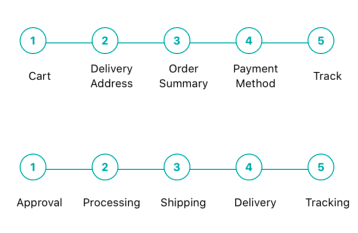
Usecase
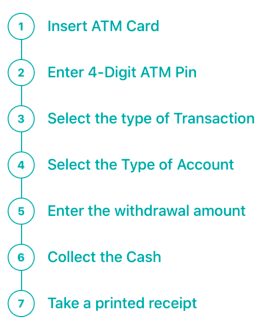 |
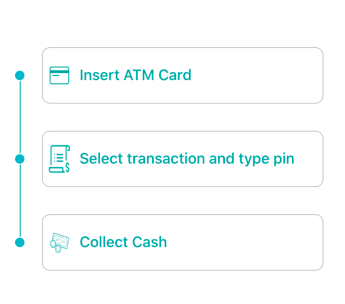 |
 |
Example
To run the example project, clone the repo, and run pod install from the Example directory first.
Requirements
- iOS 13.0+
- Xcode 11.2+
- Swift 5.0+
- CocoaPods 1.6.1+
Installation
StepperView is available through CocoaPods. To install it, simply add the following line to your Podfile.
pod 'StepperView','~> 1.2.0'
Swift Package Manager
StepperView is available through Swift Package Manager. To install it, simply add the following dependency to your Package.swift
.package(url: "https://github.com/badrinathvm/StepperView.git", from: "1.2.0")
Usage
import StepperView

let steps = [ Text("Cart").font(.caption),
              Text("Delivery Address").font(.caption),
              Text("Order Summary").font(.caption),
              Text("Payment Method").font(.caption),
              Text("Track").font(.caption)]

let alignments = [StepperAlignment.center,.center,.center, .center, .center]

let indicationTypes = [StepperIndicationType.custom(NumberedCircleView(text: "1")),
                        .custom(NumberedCircleView(text: "2")),
                        .custom(NumberedCircleView(text: "3")),
                        .custom(NumberedCircleView(text: "4")),
                        .custom(NumberedCircleView(text: "5"))]

var body: some View {
     var body: some View {
         StepperView()
            .addSteps(self.set1)
            .indicators(self.indicationTypes)
            .stepIndicatorMode(StepperMode.horizontal)
            .spacing(50)
            .lineOptions(StepperLineOptions.custom(1, Colors.blue(.teal).rawValue))
     }
}
Methods ( View Modifiers )
.addSteps(_ steps: [View]) : array of views to be rendered closer to indicator

.alignments(_ alignments: [StepperAlignment]) : optional defaults to .center, available with custom options either .top, .center, .bottom sections

.indicatorTypes(_ indicators:[StepperIndicationType]): enum provides the options to use .circle(color, width) , .image(Image, width) , .custom(AnyView)

.lineOptions(_ options: StepperLineOptions): color, thickness line customization.

.spacing(_ value: CGFloat): spacing between each of the step views.

.stepIndicatorMode(_ mode: StepperMode): vertical, horizontal doisplay modes.
Refer Example for more details on usage of StepperView
Author
Badarinath Venkatnarayansetty
Contact
Follow and contact me on Twitter or LinkedIn. If you find an issue, just open a ticket. Pull requests are welcome.
License
StepperView is available under the MIT license. See the LICENSE file for more info.