





JOCircularSlider
JOCircularSlider is a highly customisable and reusable iOS circular slider that mimics the behaviour of a knob control. It uses no preset images and every one of its components is drawn completely in code making it extremely adaptable to every design and theme.
Example
To run the example project, clone the repo, and run pod install from the Example directory first.
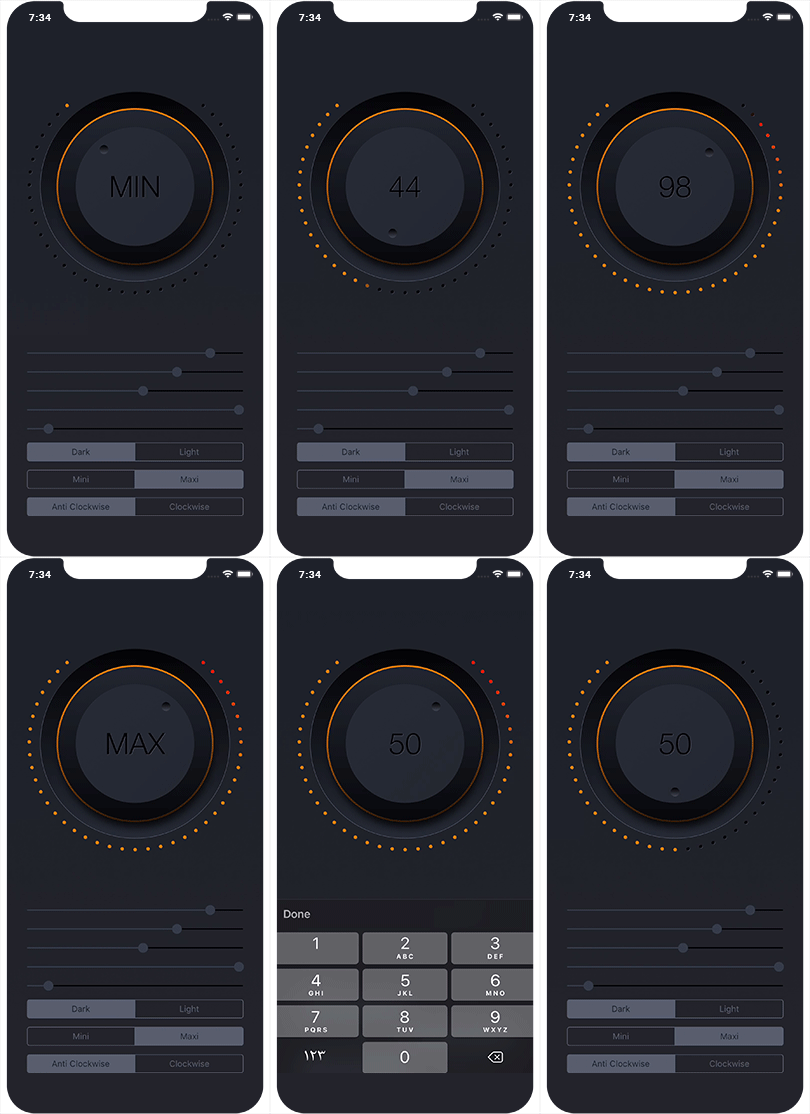
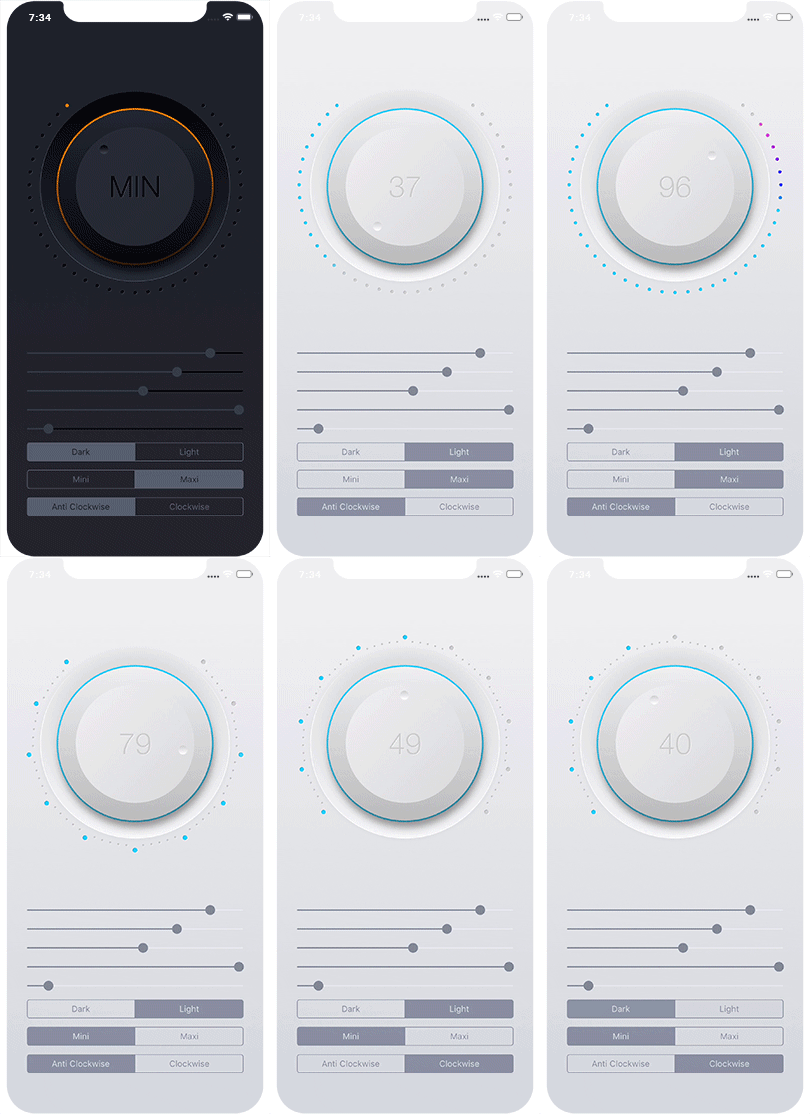
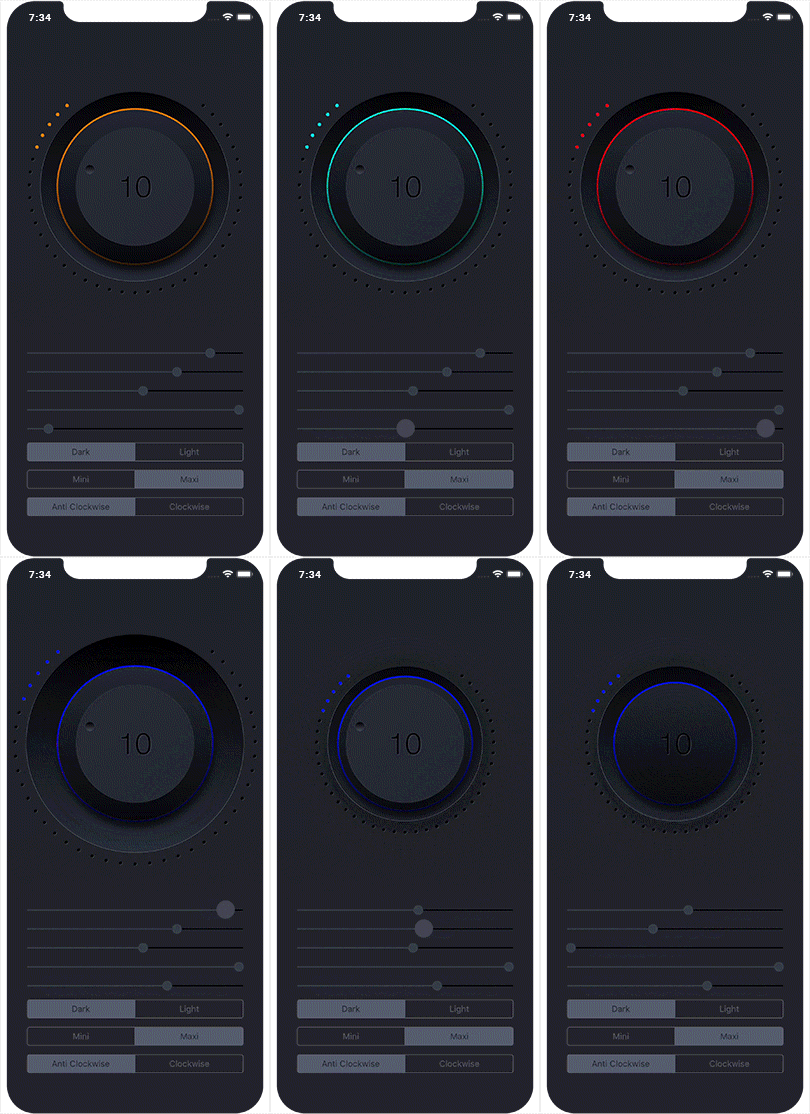
Requirements
- iOS 10.0+
- Xcode 10.0
Installation
JOCircularSlider is available through CocoaPods. To install it, simply add the following line to your Podfile:
pod 'JOCircularSlider'
Usage
- Visually:
import JOCircularSlider
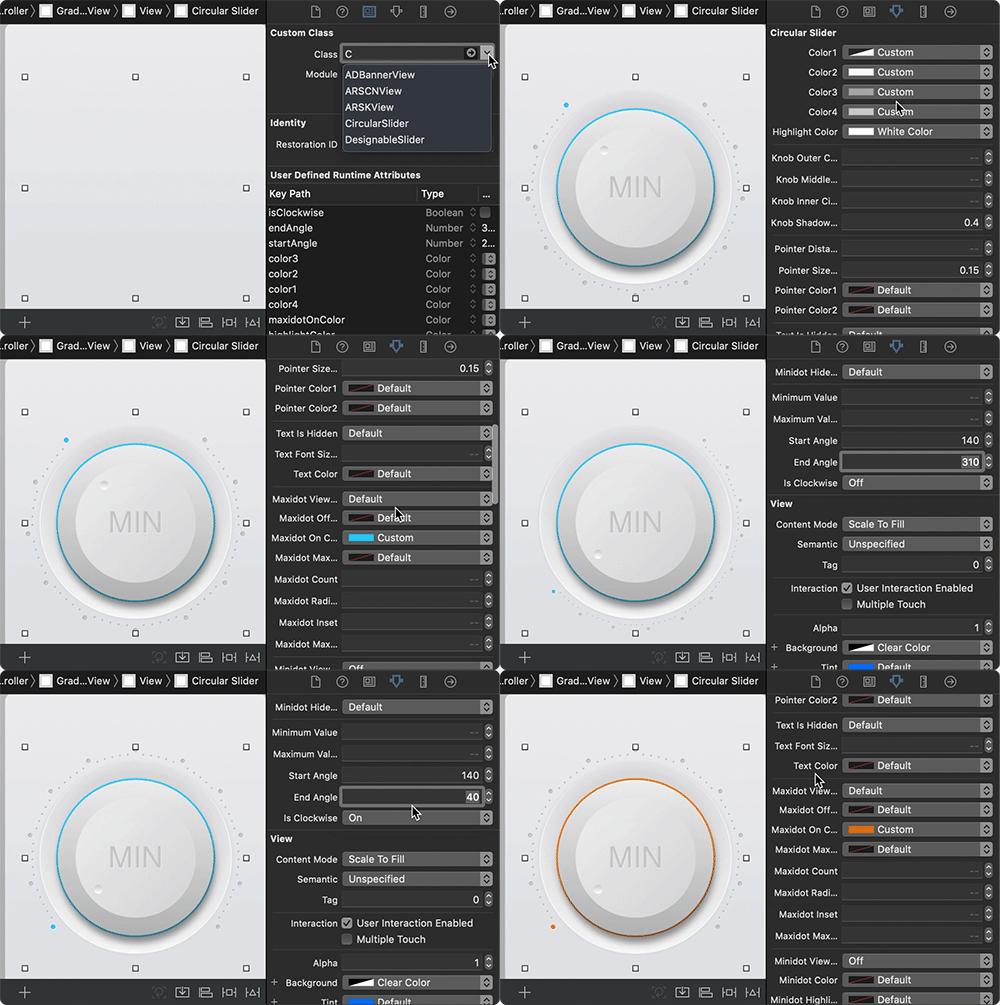
Drag a UIView to your storyboard, change its class of to CircularSlider and start visually customising the design to your liking. All the parameters are IBInspectable, so you can configure the slider straight from the attribute inspector tab, without having to write a single line of code.
- Programatically:
import JOCircularSlider

let circularSlider = CircularSlider(frame: aFrame)
circularSlider.startAngle = 230
circularSlider.endAngle = 310
circularSlider.minimumValue = 0
circularSlider.maximumValue = 60
circularSlider.isClockwise = false
These are just few of the many params you can configure for the slider.
The slider's value property is read-only.
/**
    returns a value in the range 0.0 (minimumValue) to 1.0 (maximumValue).
    The default value of this property is 0.0.
*/
open private (set) var value: Float = 0
To set the slider's value use the following:
/**
    Set the `value`.
    - parameter newValue:      if `isPercentage` then new value must be in the range 0.0 to 1.0
    - parameter isPercentage:  specifies if newValue is in the range [0.0, 1.0] or not
*/
open func setValue(_ newValue: Float, isPercentage: Bool = false)
To Control the text's appearance, use these:
open func setTextFont(named: String, textColor: UIColor, multiplier: CGFloat)
open func setTextShadow(color: UIColor, opacity: Float = 1, offset: CGSize = CGSize(width: 1, height: 1), radius: CGFloat = 0)
References
The project is Inspired by:
Author
Jalal Ouraigua, ouraigua@icloud.com
License
JOCircularSlider is available under the MIT license. See the LICENSE file for more info.