 Dhaval Thanki
DTTextField




Introduction
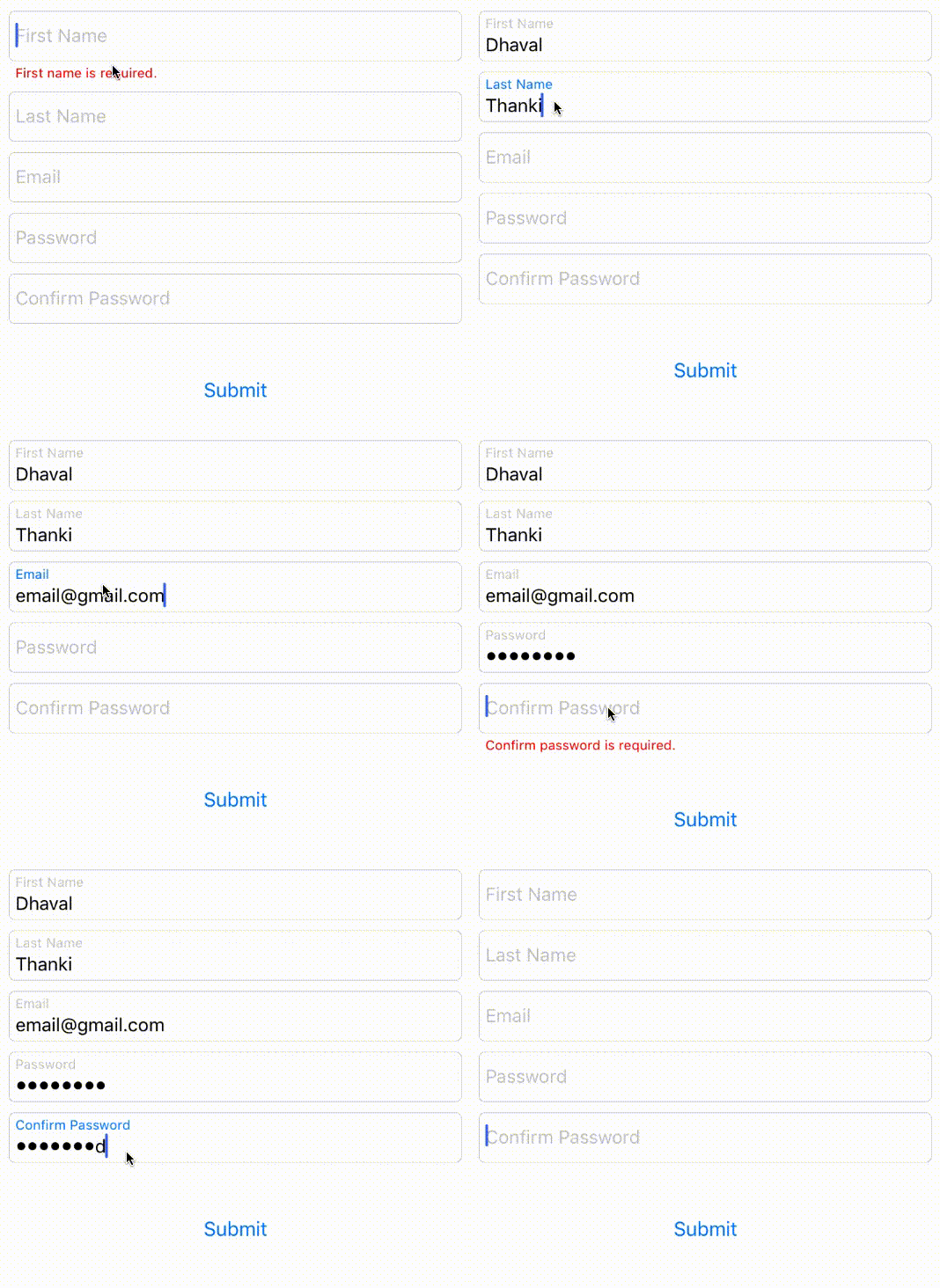
DTTextField is a UITextField library with floating placeholder and error label.
Floating placeholder inspired from JVFloatLabeledTextField 👍.
Example
To run the example project, clone the repo, and run pod install from the Example directory first.
Requirements
- Xcode 8.0
- Swift 3.0
Installation
DTTextField is available through CocoaPods. To install it, simply add the following line to your Podfile:
pod 'DTTextField'
Usage
- Open a storyboard or Xib file.
- Drag and drop a
UITextFieldto a ViewController. - In Identity Inspector, replace the class from
UITextFieldtoDTTextFieldand the module toDTTextField.
Properties
| Property name | Type | Remark |
|---|---|---|
| errorMessage | String | Add your error message to this property |
| errorFont | UIFont | Change font of error text |
| showError | Bool | Use to toggle error message |
| paddingYErrorLabel | CGFloat | Error text top padding |
| floatPlaceholderColor | UIColor | To change float placeholder color |
| floatPlaceholderActiveColor | UIColor | To change float placeholder color while TextField is active(First responder) |
| floatPlaceholderFont | UIFont | Change font of float placeholder |
| paddingYFloatLabel | CGFloat | float placeholder top padding |
| placeholderColor | UIColor | change placeholder color |
Important Properties
| Property name | Type | Remark |
|---|---|---|
| dtLayer | CALayer | If you want to formate DTTextField than use dtLayer property instead of layer |
| borderColor | UIColor | Change border color of DTTextField |
| canShowBorder | Bool | Toggle border of DTTextField |
TODO
- Add inbuilt validation
Author
Dhaval Thanki 😎
License
DTTextField is available under the MIT license. See the LICENSE file for more info.