Summary:
**Issue:**
Some fonts are defined with weights that don't match with the UIFontWeight constants.
**Example:**
UIFontWeightTraits for Roboto font
Light: -0.230
Thin: -0.365
Currently, the UIFontWeightTrait is always used if it != 0.0, and given the UIFontWeight constants for Light and Thin:
UIFontWeightThin -0.6
UIFontWeightLight -0.4
A style font weight of "300" or "200" will both resolve to Roboto-Thin as its weight -0.365 is closer to -0.4 (UIFontWeightLight) and -0.6 (UIFontWeightThin) than -0.230 (Roboto-Light).
**Proposed fix:**
When resolving `getWeightOfFont` try to match the name of weight to the name of the font first, and guess the font with UIFontWeightTrait as the fall back.
**Test Plan:**
Attempt to display Roboto at weights "200" and "300" and Roboto-Thin and Roboto-Light should be displayed correctly.
Current:
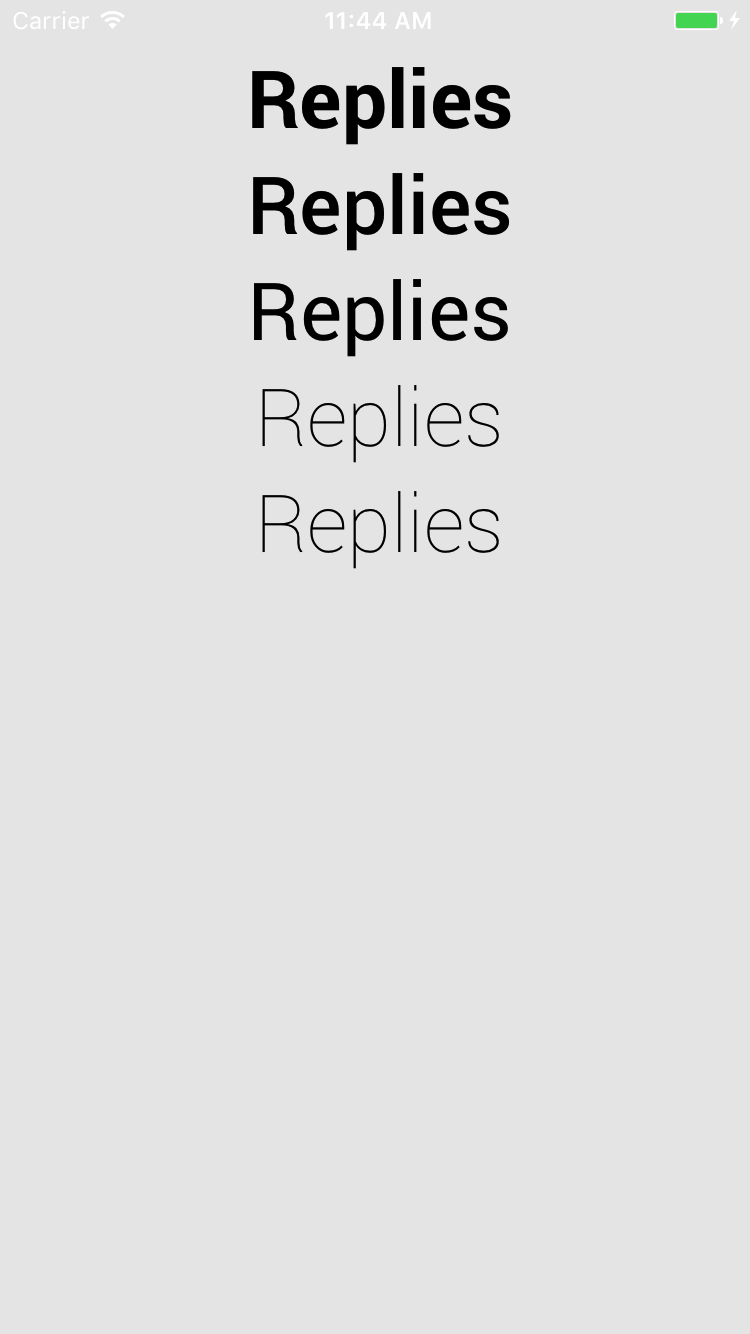
Fixed:

Closes https://github.com/facebook/react-native/pull/15162
Differential Revision: D5479817
Pulled By: javache
fbshipit-source-id: a9f93d8ce69a96fb685cb09393d1db42486cc0c2


