 pkurchatov
DivKit 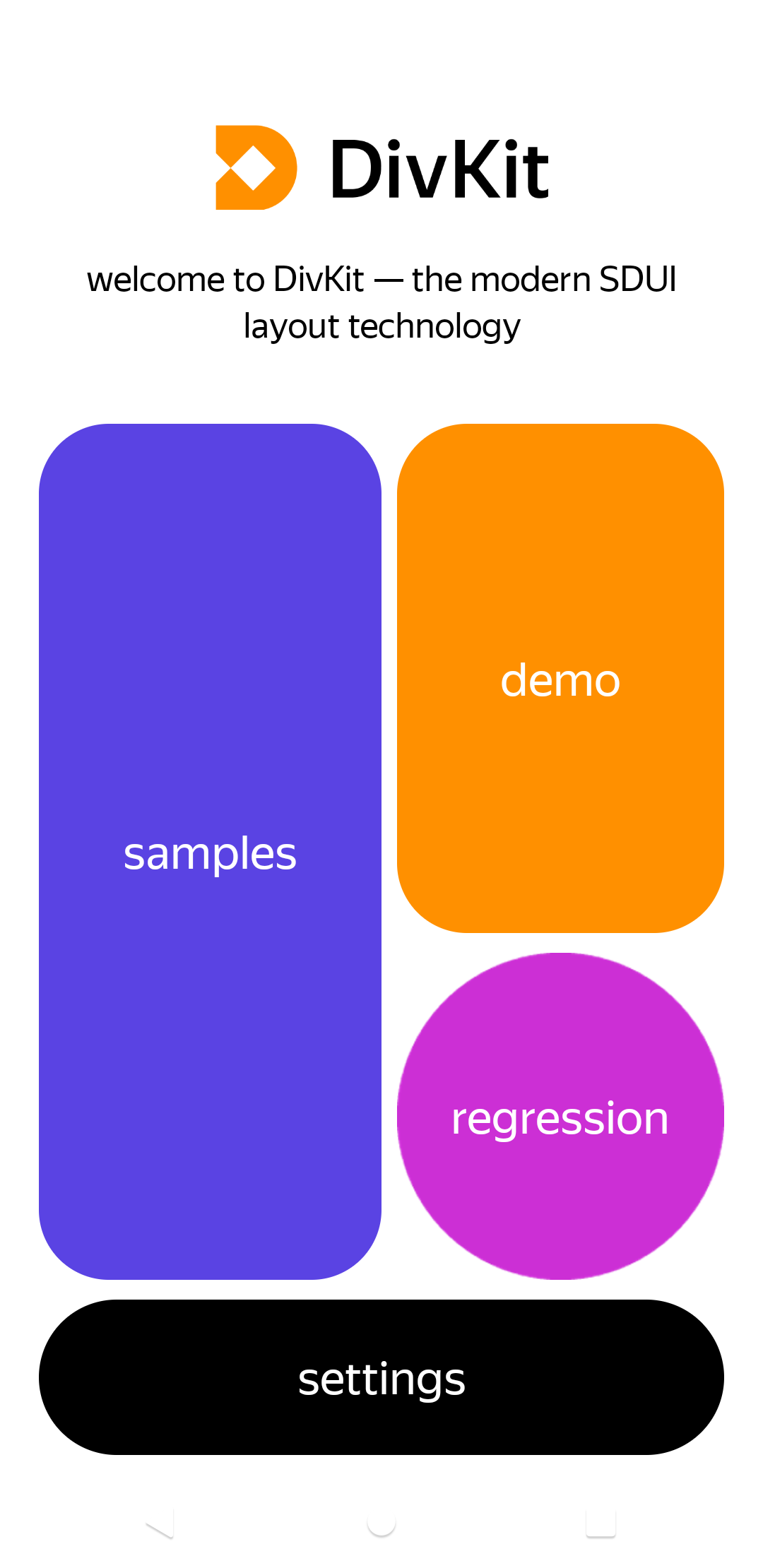


DivKit 🐋 is an open source Server-Driven UI (SDUI) framework. It allows you to roll out server-sourced updates to different app versions. Also, it can be used for fast UI prototyping, allowing you to write a layout once and then ship it anywhere using Flutter. DivKit is an excellent choice to start using server-driven UI in your project because it can be easily integrated as a simple view in any part of your app. At the starting point, you don’t need a server integration. You can include all JSON on the client-side to try it in a real-world application.
Also, we’ve made a sandbox for you to experiment with. You can try different samples in the web editor and see the results. You can use the DivKit website to find a lot of handy samples and documentation, but feel free to ask us anything in the Telegram community chat.
Documentation. Medium tutorial. Обзор на Хабр.
Telegram: English-speaking chat | Чат на русском.
How it works
DivKit builds native views from JSON data.
JSON → DivData → DivKitView
-
JSON – raw data with templates in DivKit format (see DivKit schema).
-
DivData – data objects parsed from JSON (see Generated DTO).
-
DivKitView — plain Flutter Widget (you use it directly)
Playground app
Since the Flutter client does not support full-fledged launch on the web, therefore, in order to poke the functionality, you need to run an example of the current library. Use DivKit playground app to look through layout examples and supported functions.
The main part of samples is stored in monorepositry... Before starting, call the following command from client/flutter/divkit to create a soft link to them:
./tool/get_test_data.sh
Supported features
Flutter client is in development, feel free to contribute and help community use DivKit on this platform.
Supported components (may contain unavailable features for more info look at documentation):
- text
- image
- container
- state
- input
- gallery
- pager
- custom
DivKit Flutter. Quick start.
Build app and draw your first DivKitView.
-
Add dependency to pubspec.yaml:
dependencies: divkit: any -
Import library
import 'package:divkit/divkit.dart'; -
Resolve your layout with DivKitData:
from JSON:
final data = DefaultDivKitData.fromJson(json); // json is Map<String, dynamic>or from card and templates:
final data = DefaultDivKitData.fromScheme(
    card: json['card'], // Map<String, dynamic>
    templates: json['templates'], // Map<String, dynamic>?
);
P.s. The process of building a DTO is quite expensive, so it is better to call
data.build()outside the widget in order to avoid frame loss. -
Use DivKitView inside your widget tree with layout passed by param "data":
DivKitView(
    data: data, // DivKitData
)
Optionally, you can pass customs handler, actions handler and other params to configure DivKitView behavior:
 DivKitView(
   data: data,
   customHandler: MyCustomHandler(), // DivCustomHandler?
   actionHandler: MyCustomActionHandler(), // DivActionHandler?
   variableStorage: MyVariableStorage(), // DivVariableStorage?
 )
P.s. If you wish to work with default div-actions and use your own actionHandler don't forget to inherit DefaultDivActionHandler.