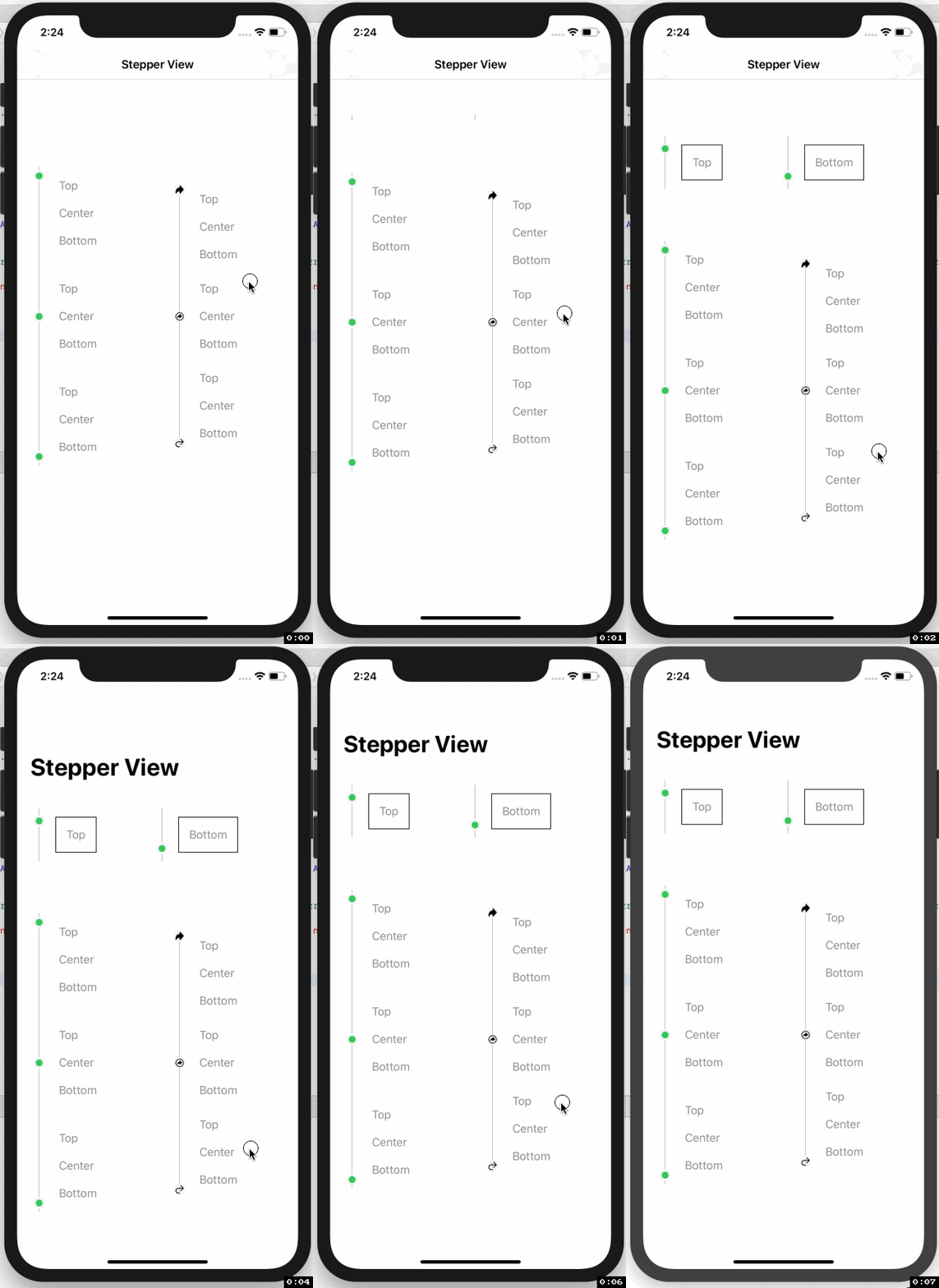
# StepperView
#### SwiftUI iOS component for Step Indications
[](https://travis-ci.org/badrinathvm/StepperView)
[](https://cocoapods.org/pods/StepperView)
[](https://cocoapods.org/pods/StepperView)
[](https://cocoapods.org/pods/StepperView)
[](https://swift.org/package-manager/)
[](https://github.com/Carthage/Carthage)
[](https://badrinathvm.github.io/StepperView/)
[](https://twitter.com/intent/tweet?text=SwiftUI%20iOS%20library%20for%20StepIndications%20is%20awesome:&url=https%3A%2F%2Fgithub.com%2Fbadrinathvm%2FStepperView)
# Table of Contents
* [Documentation](#documentation)
* [Installation](#installation)
* [CocoaPods](#cocoapods)
* [Carthage](#carthage)
* [Swift Package Manager](#swift-package-manager)
* [Requirements](#requirements)
* [Usecase](#usecase)
* [iPhone](#iphone)
* [Apple Watch](#apple-watch-support)
* [More Examples](#more-examples)
* [Usage](#usage)
* [View Modifiers](#view-modifiers)
* [Mentions](#mentions)
* [Contribution](#contribution)
* [License](#license)
## Documentation
**[StepperView Reference](https://badrinathvm.github.io/StepperView/)**
## Installation
To run the example project, clone the repo, and run `pod install` from the Example directory first.
## CocoaPods
StepperView is available through [CocoaPods](https://cocoapods.org). To install
it, simply add the following line to your Podfile.
```ruby
pod 'StepperView','~> 1.4.0'
```
## Carthage
[Carthage](https://github.com/Carthage/Carthage) is a decentralized dependency manager that builds your dependencies and provides you with binary frameworks. To integrate StepperView into your Xcode project using Carthage, specify it in your Cartfile:
```ruby
github "badrinathvm/stepperView" == 1.4.0
```
## Swift Package Manager
StepperView is available through [Swift Package Manager](https://swift.org/package-manager/). To install it, simply add it to the `dependencies` of your `Package.swift`
```ruby
dependencies: [
.package(url: "https://github.com/badrinathvm/StepperView.git", from: "1.4.0")
]
```
## Requirements
- iOS 13.0+
- Xcode 11.2+
- Swift 5.0+
- CocoaPods 1.6.1+
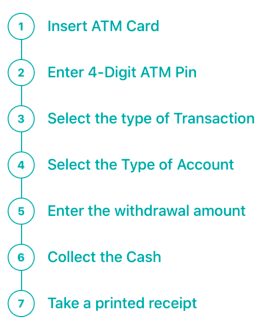
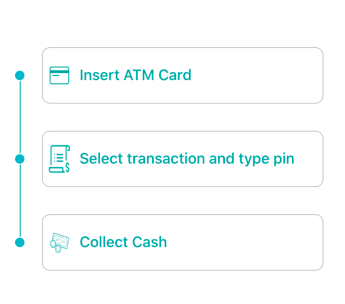
## Usecase
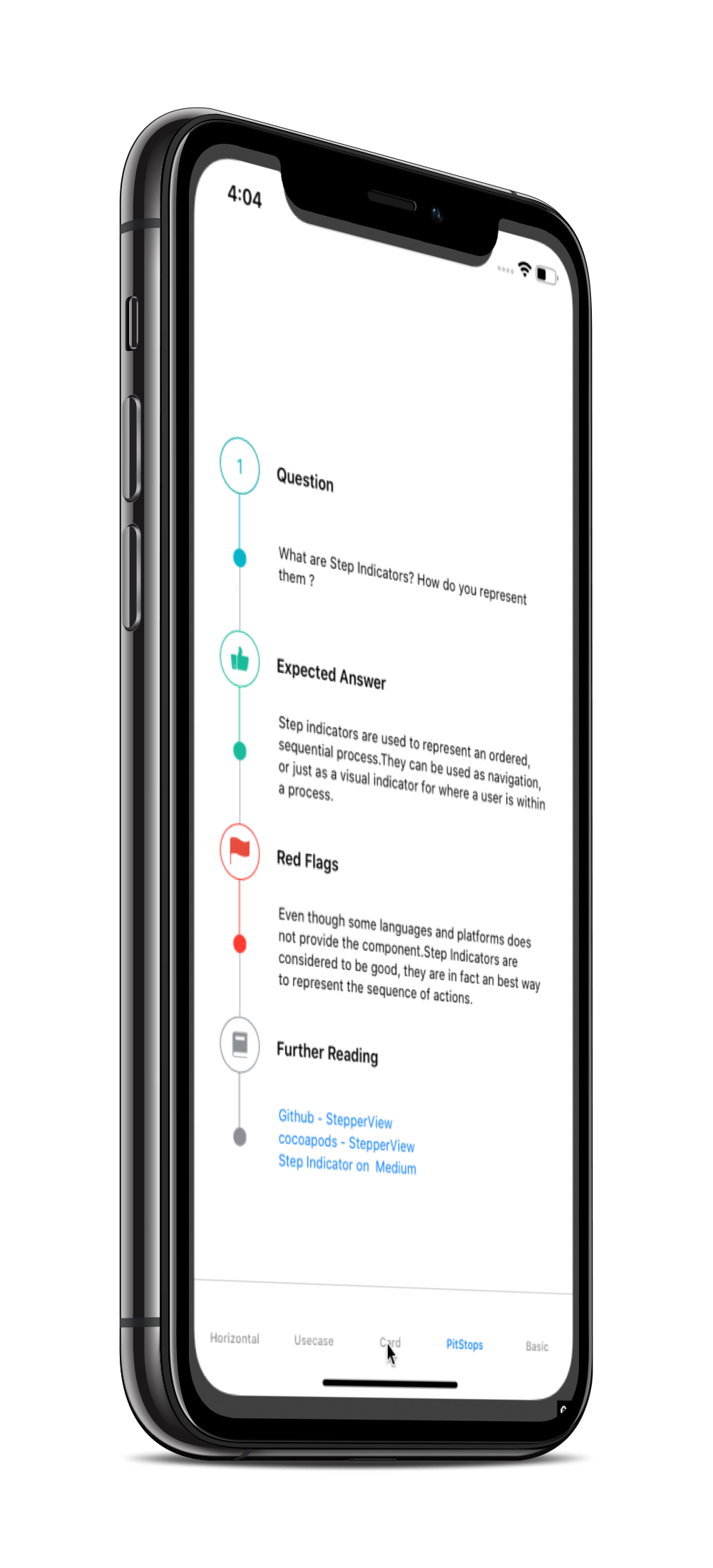
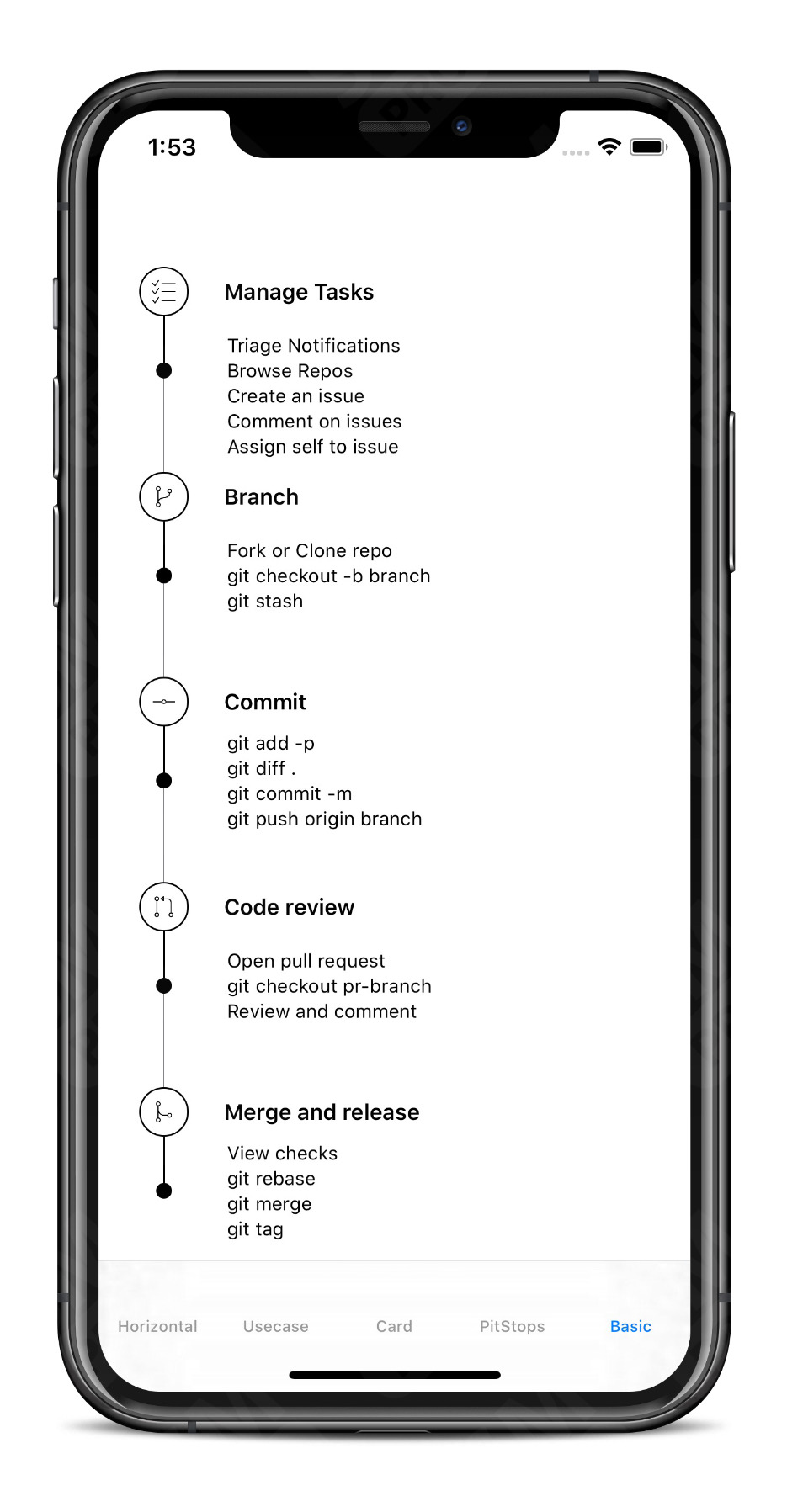
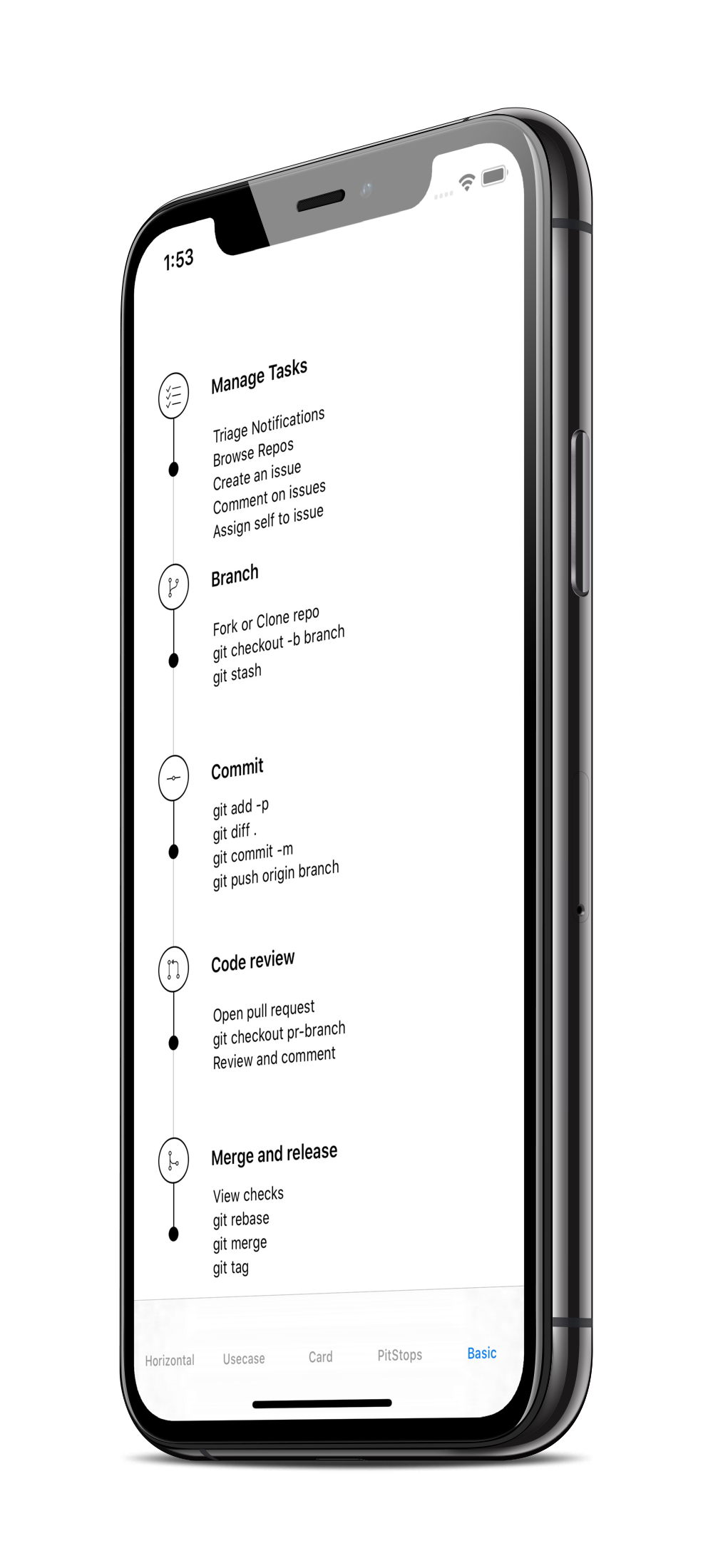
## iPhone
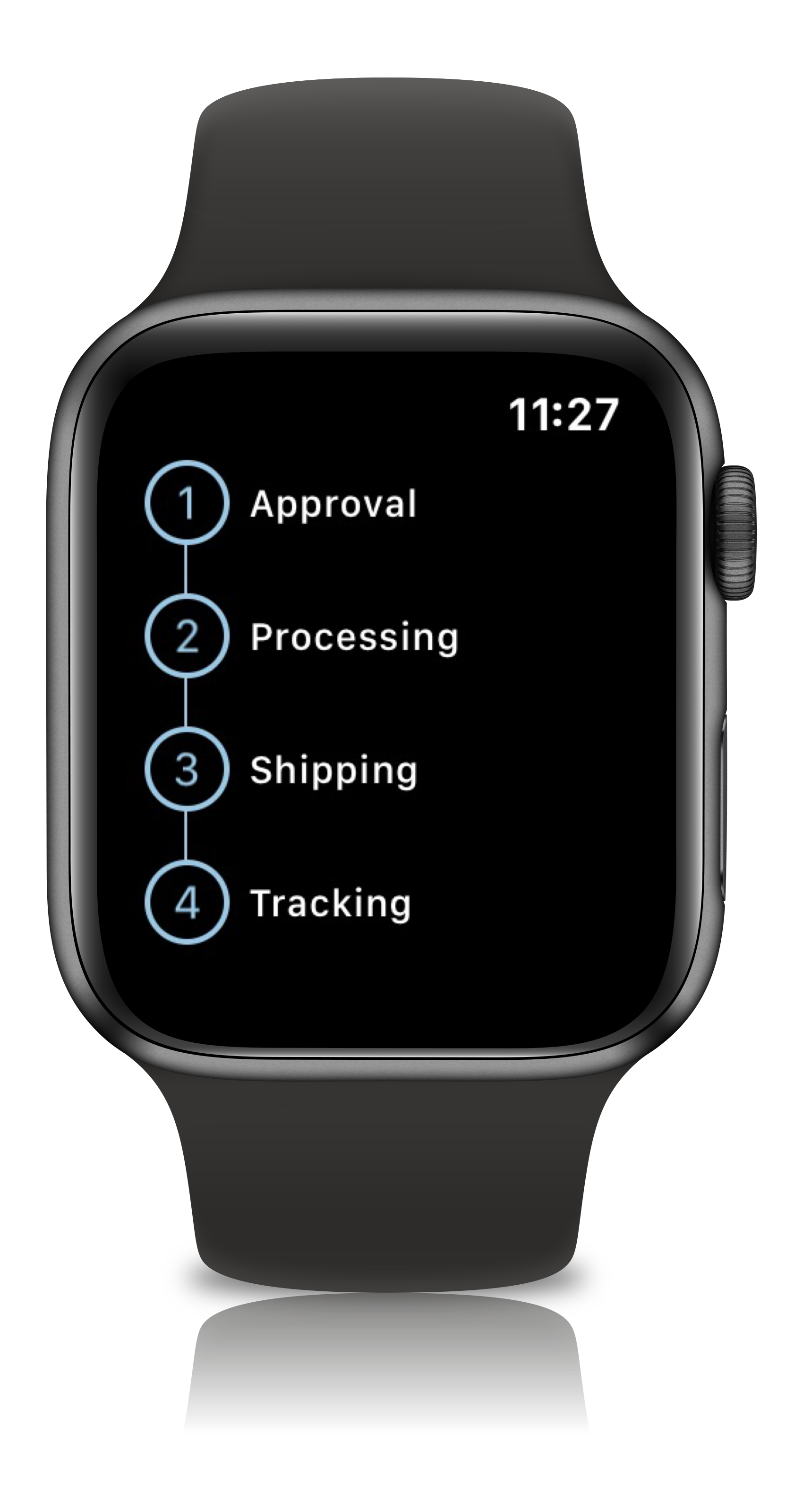
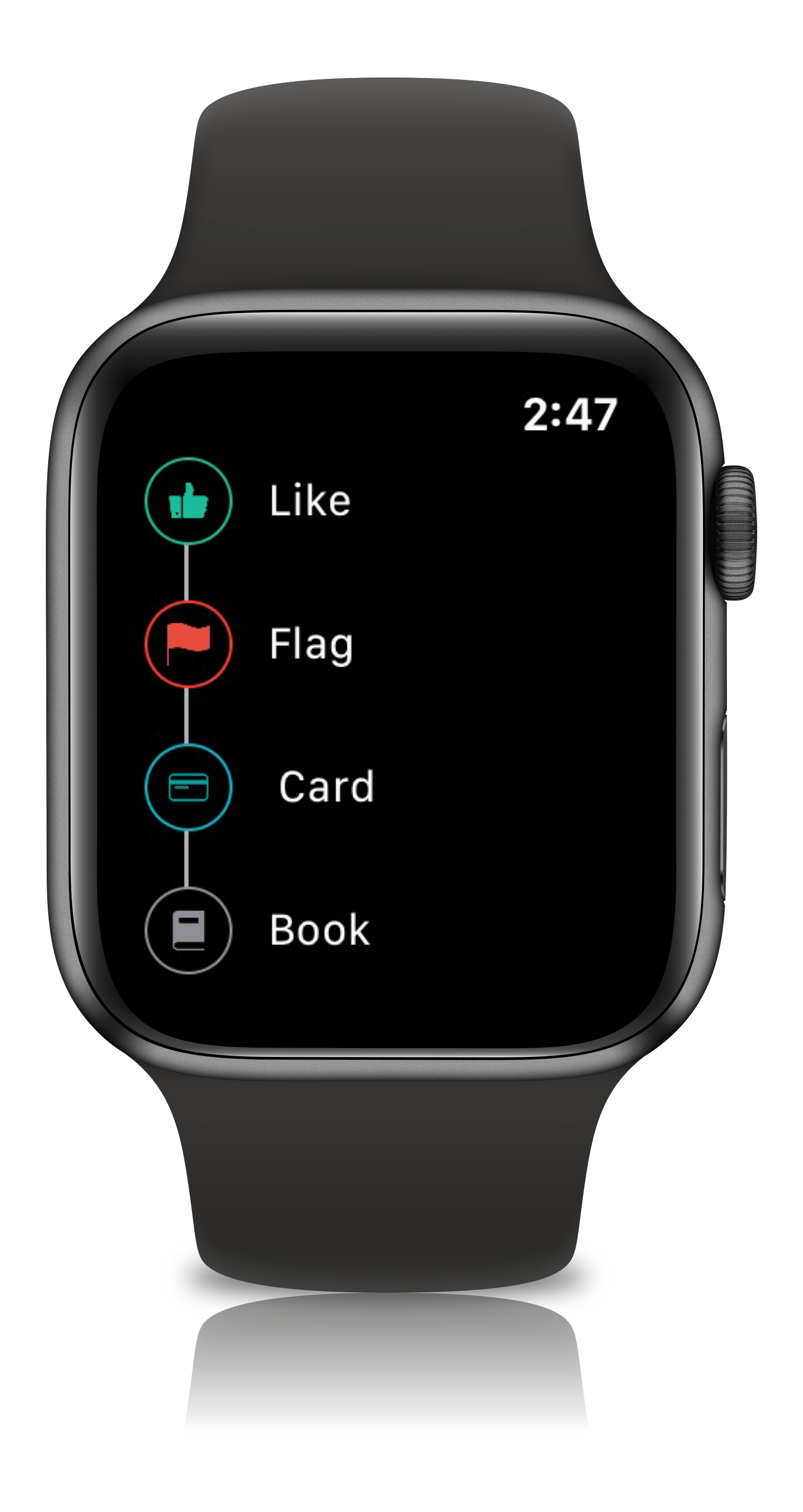
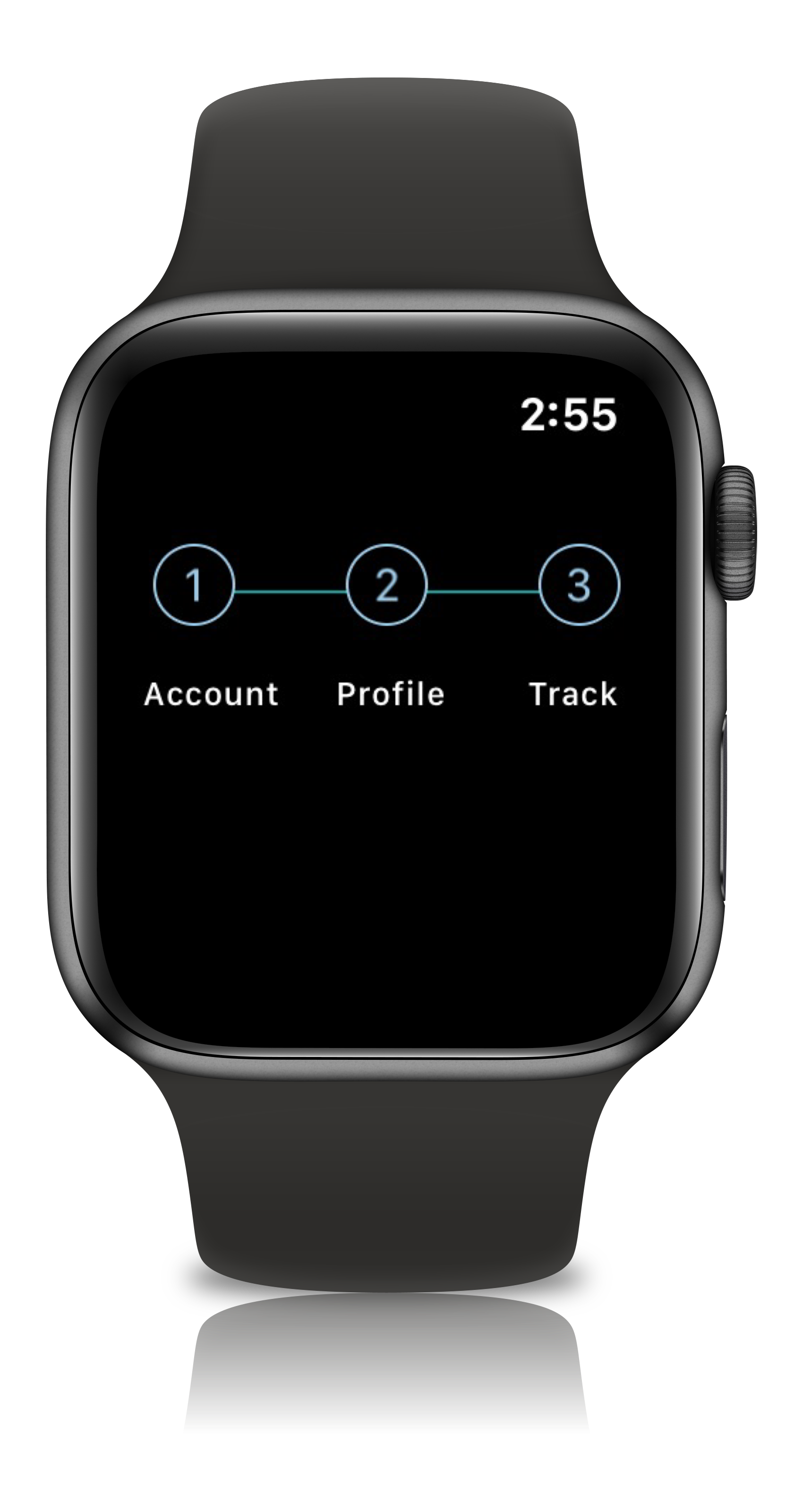
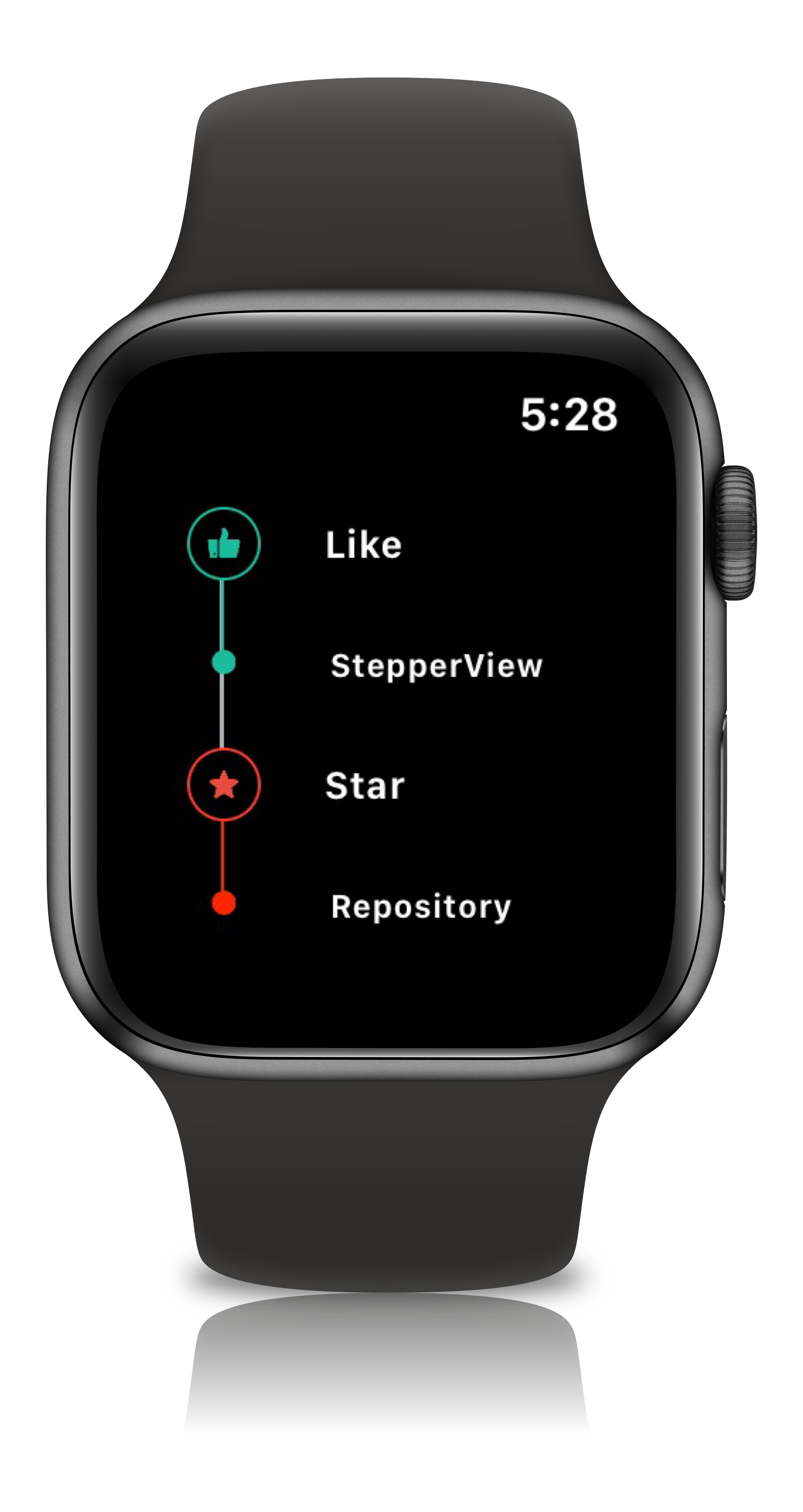
## Apple Watch Support
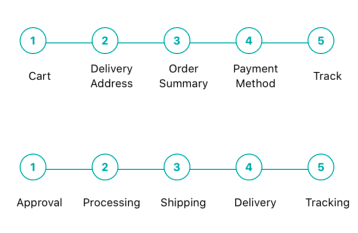
## Usage
``` swift
import StepperView
let steps = [ Text("Cart").font(.caption),
Text("Delivery Address").font(.caption),
Text("Order Summary").font(.caption),
Text("Payment Method").font(.caption),
Text("Track").font(.caption)]
let indicationTypes = [StepperIndicationType.custom(NumberedCircleView(text: "1")),
.custom(NumberedCircleView(text: "2")),
.custom(NumberedCircleView(text: "3")),
.custom(NumberedCircleView(text: "4")),
.custom(NumberedCircleView(text: "5"))]
var body: some View {
var body: some View {
StepperView()
.addSteps(steps)
.indicators(indicationTypes)
.stepIndicatorMode(StepperMode.horizontal)
.spacing(50)
.lineOptions(StepperLineOptions.custom(1, Colors.blue(.teal).rawValue))
}
}
```
## View Modifiers
```ruby
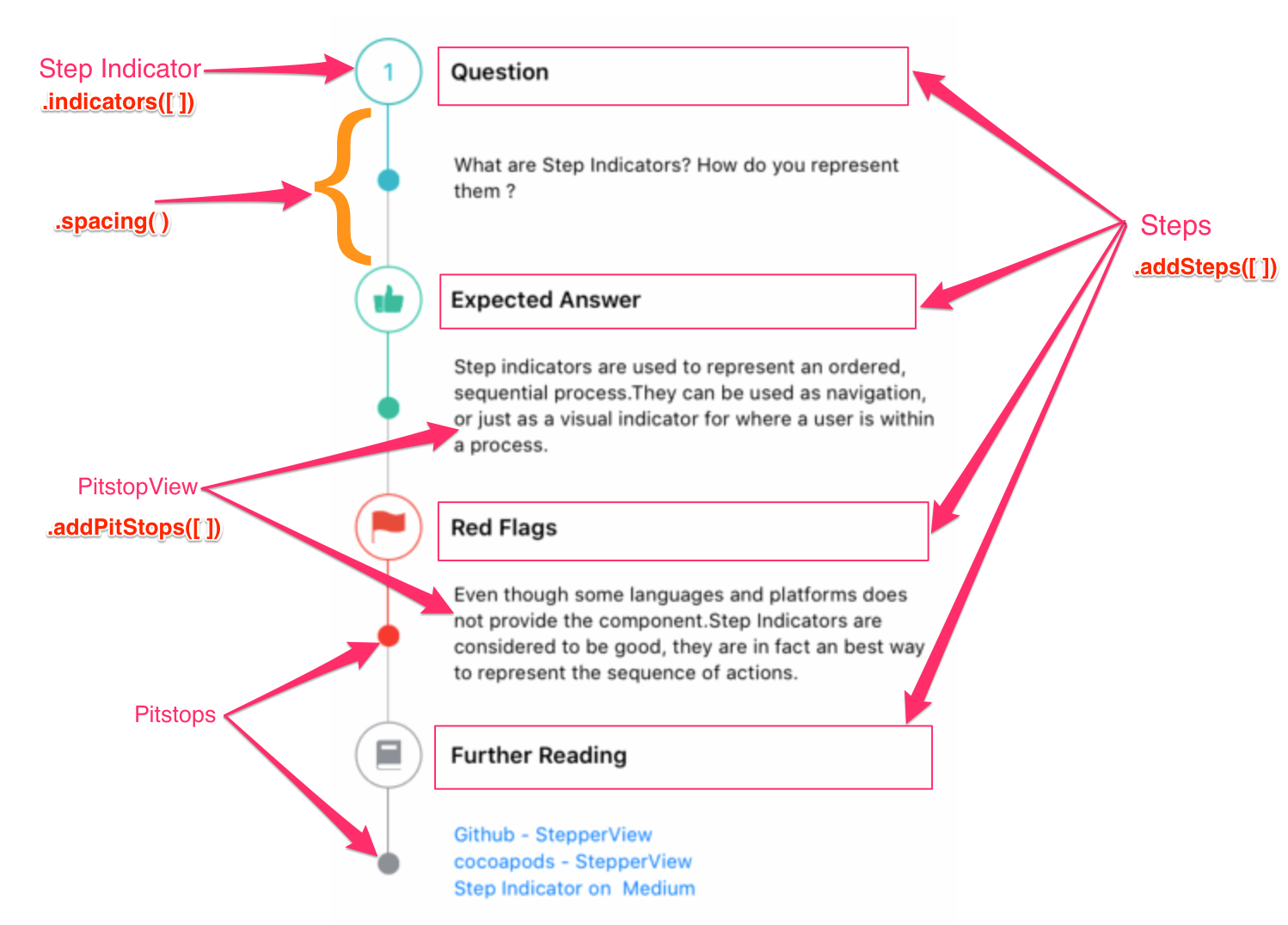
.addSteps(_ steps: [View]) :
1. list of views to be closer to indicator
.alignments(_ alignments: [StepperAlignment])
1. optional modifier
2. defaults to .center, available with custom options either .top, .center, .bottom
.indicatorTypes(_ indicators:[StepperIndicationType]):
1. modifier to customize the step indications
2. provides enum with cases .circle(color, width), .image(Image, width) , .custom(AnyView)
.lineOptions(_ options: StepperLineOptions):
1. line customization `Color` , `width`
.spacing(_ value: CGFloat):
1. spacing between each of the step views either vertically horizontally
.stepIndicatorMode(_ mode: StepperMode):
1. Step Indicator display modes either vertical, horizontal
.addPitStops(_ steps: [PitStopStep])
1. optional modifier
2. `PitStopStep` - structure that provides option to provide `View`, line customizations
```
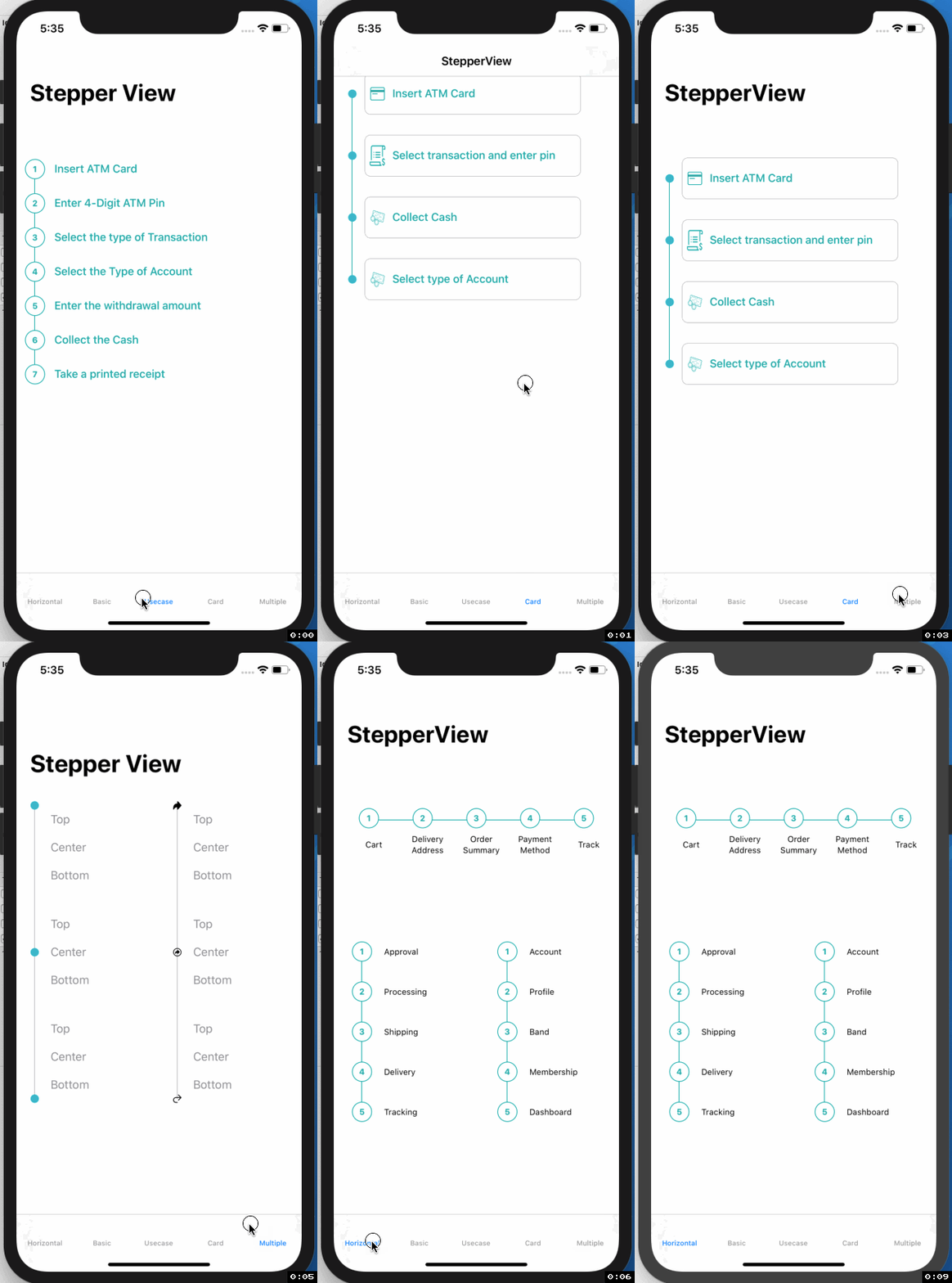
## More Examples
iOS Usecases
watchOS Usecases
## Mentions
SwiftUI Weekly #5
iOS Goodies #333
MBLT DEV DIGEST #302
Awesome iOS Newsletter #201
About-SwiftUI Articles
## Author
Badarinath Venkatnarayansetty.Follow and contact me on Twitter or LinkedIn
 ## Contribution
Feature requests, bug reports, and pull requests are all welcome. Refer Contributing Guidelines for more details.
## License
StepperView is available under the MIT license. See the [LICENSE](https://github.com/badrinathvm/StepperView/blob/master/LICENSE) file for more info.
## Contribution
Feature requests, bug reports, and pull requests are all welcome. Refer Contributing Guidelines for more details.
## License
StepperView is available under the MIT license. See the [LICENSE](https://github.com/badrinathvm/StepperView/blob/master/LICENSE) file for more info.