Summary:
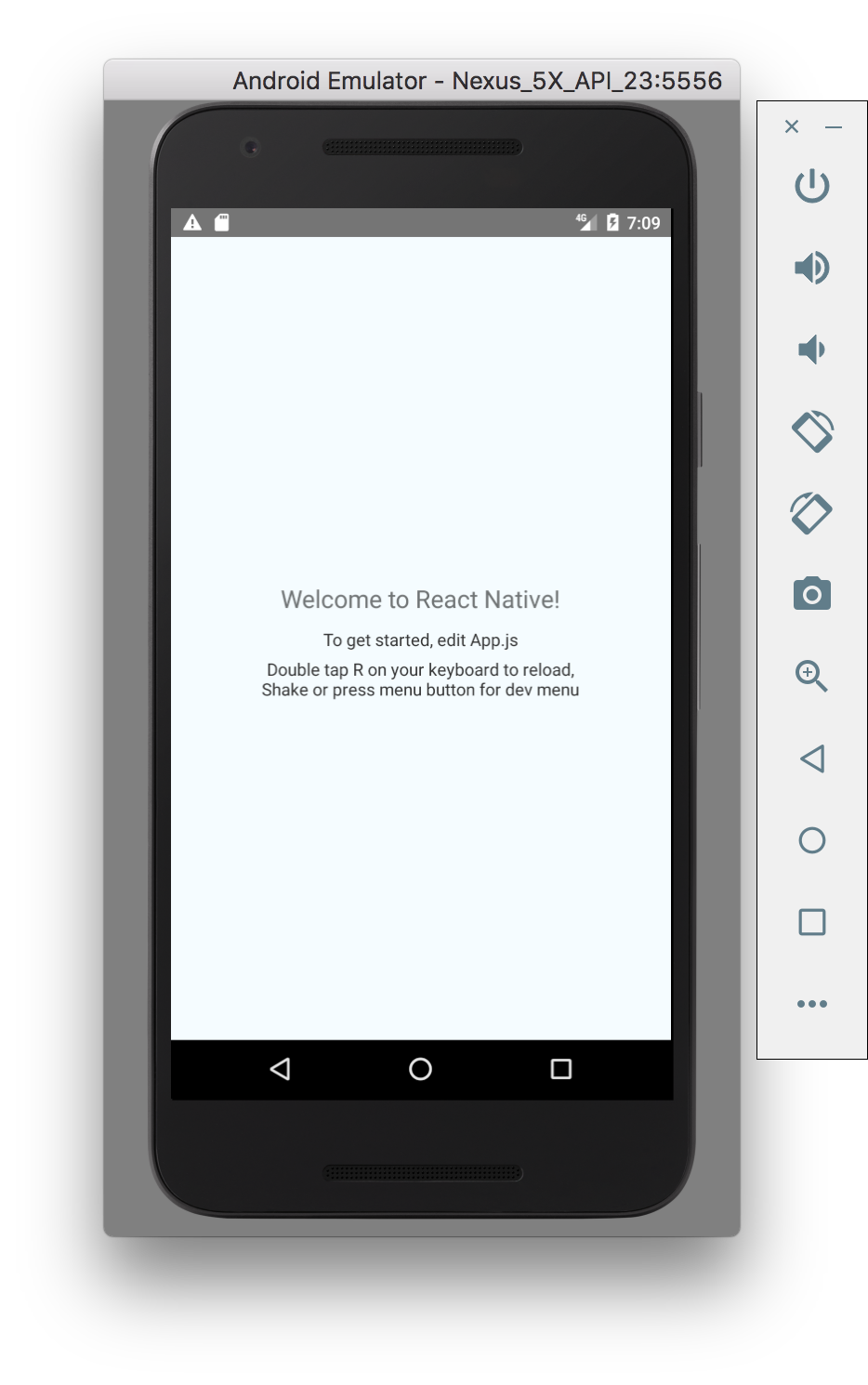
This change (initially discussed in https://github.com/react-community/create-react-native-app/issues/26) moves the HelloWorld project template from two nearly identical entry points (`index.android.js` and `index.ios.js`) to a single, minimal `index.js` entry point. The root component is created in `App.js`. This unifies the project structure between `react-native init` and Create React Native App and allows CRNA's eject to use the entry point from the HelloWorld template without any hacks to customize it. Also examples in the docs can be just copy-pasted to `App.js` the same way in both HelloWorld and CRNA apps without having to first learn about  `AppRegistry.registerComponent`.

* Created a new project from the template using `./scripts/test-manual-e2e.sh` and verified that:
  * The app builds, starts and runs both on Android and iOS.
  * Editing and reloading changes works.
  * The new files (`index.js`, `App.js`, `__tests__/App.js`) get created in the project folder.

<img width="559" alt="screen shot 2017-08-01 at 19 10 51" src="https://user-images.githubusercontent.com/497214/28835171-300a12b6-76ed-11e7-81b2-623639c3b8f6.png">
<img width="467" alt="screen shot 2017-08-01 at 19 09 12" src="https://user-images.githubusercontent.com/497214/28835180-33d285e0-76ed-11e7-8d68-2b3bc44bf585.png">

<!--
Thank you for sending the PR!

If you changed any code, please provide us with clear instructions on how you verified your changes work. In other words, a test plan is *required*. Bonus points for screenshots and videos!

Please read the Contribution Guidelines at https://github.com/facebook/react-native/blob/master/CONTRIBUTING.md to learn more about contributing to React Native.

Happy contributing!
-->
Closes https://github.com/facebook/react-native/pull/15312

Differential Revision: D5556276

Pulled By: hramos

fbshipit-source-id: 068fdf7e51381c2bc50321522f2be0db47296c5e
Summary:
The iOS and Android native folders of a React Native app can be difficult to maintain. This introduces a new workflow for creating and maintaining the native code of your app.

Now it will be possible to:

1. Remove the native iOS or Android folders
2. Create an `app.json` for your app, with at least a `name` and `displayName`
3. Run `react-native eject`, and the native code for your app will be generated

Then, as usual, you can run `react-native run-ios` and `react-native run-android`, to build and launch your app

For apps that don't have any native code, it will be possible to ignore the `ios` and `android` folders from version control.

Eject step tested in RN app by deleting native folders.

mkonicek, what is the best way to test `react-native init`?

As follow-up items, we can enable the following:

- Configuring app icon and launch screen from the `app.json`
- Automatically run `react-native link` for native libraries
- A
Closes https://github.com/facebook/react-native/pull/12162

Differential Revision: D4509138

Pulled By: ericvicenti

fbshipit-source-id: 0ee213e68f0a3d44bfce337e3ec43e5024bacc66
Summary:
When installing template by `react-native init AwesomeProject` and adding checkstyle to the Gradle setup, it will complain about unused imports
Closes https://github.com/facebook/react-native/pull/12076

Differential Revision: D4470930

fbshipit-source-id: 50a105886607fd1d3a458453fa1a844e9746dafa
Summary:
This is the manually imported version of https://github.com/facebook/react-native/pull/10786

This was mostly straigthforward by replacing the local-cli folder with the version I had in my local git checkout,
plus a few other files I listed with git diff --name-only.

Reviewed By: hramos

Differential Revision: D4201118

fbshipit-source-id: 4d0fb54b0edda9de1abba427958e420fd2ac105c
 Ville Immonen
 Build Service
 Eric Vicenti
 Martin Konicek
 Christoffer Bo Petersen
 John Shelley